
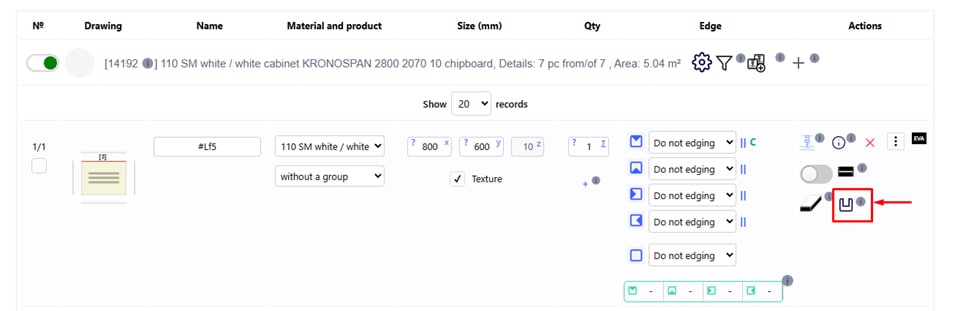
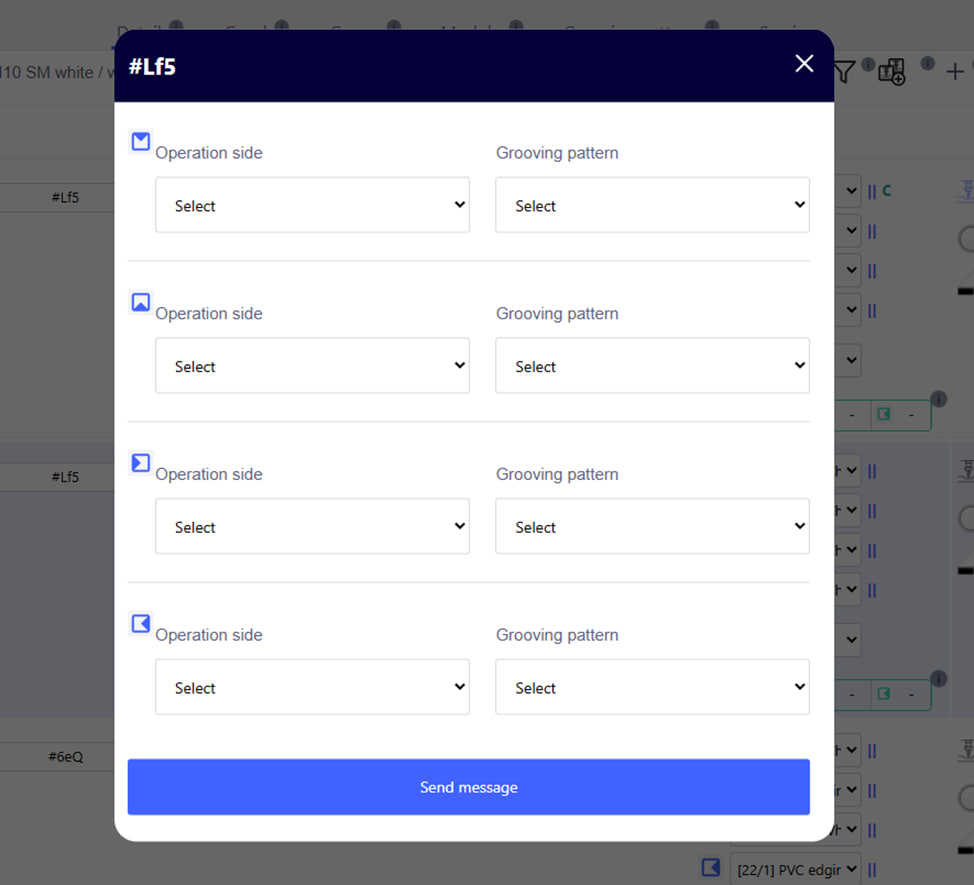
This button opens a form for applying pre-created groove patterns to parts in the project.
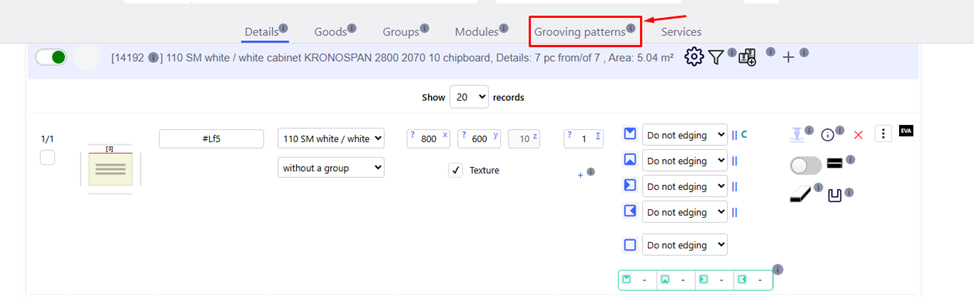
Patterns are specified separately in the Grooving Patterns tab and can include different types of grooving on certain sides of the part.
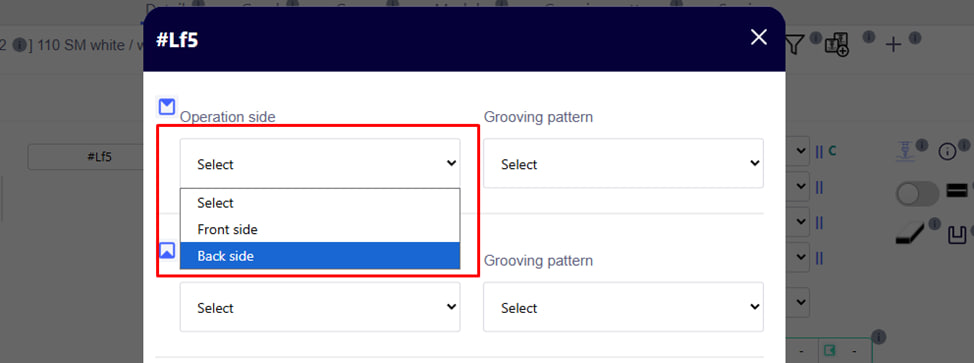
- Choose the side of the operation.
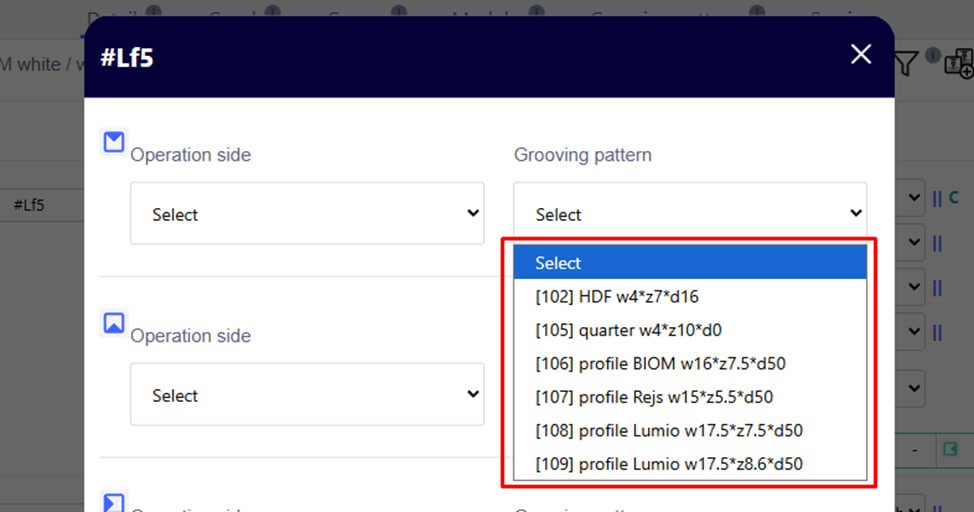
- Choose a template.
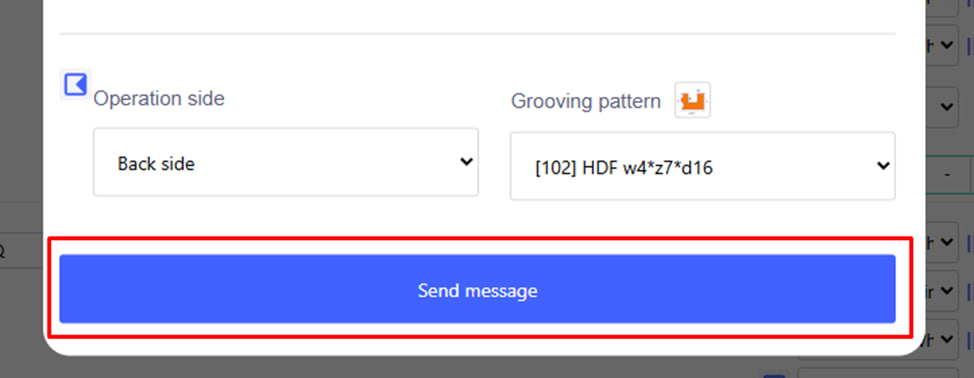
- Enter the required data and click the blue send button .