
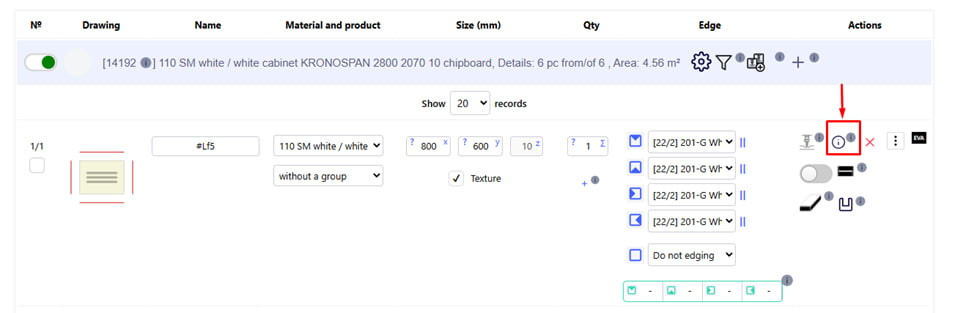
This button allows you to add a comment or technical note to a specific detail that cannot be described by standard system parameters.
How this feature works
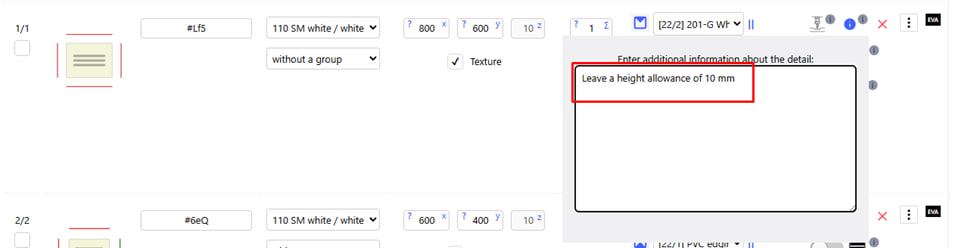
- After clicking, a field opens in which you can enter any additional description , instruction or specification before processing the part.
- For example : "Leave a height allowance of 10 mm."
Display on labels
- Parts to which such comments are added are automatically marked on the label with the symbol !QR! .
- This allows operators in the shop to quickly notice that this part has special instructions that need to be taken into account during processing.
Why is it needed?
- Adds flexibility when working with non-standard elements or complex structures.
- Makes it possible to store important instructions inside the order without losing them during the production process.
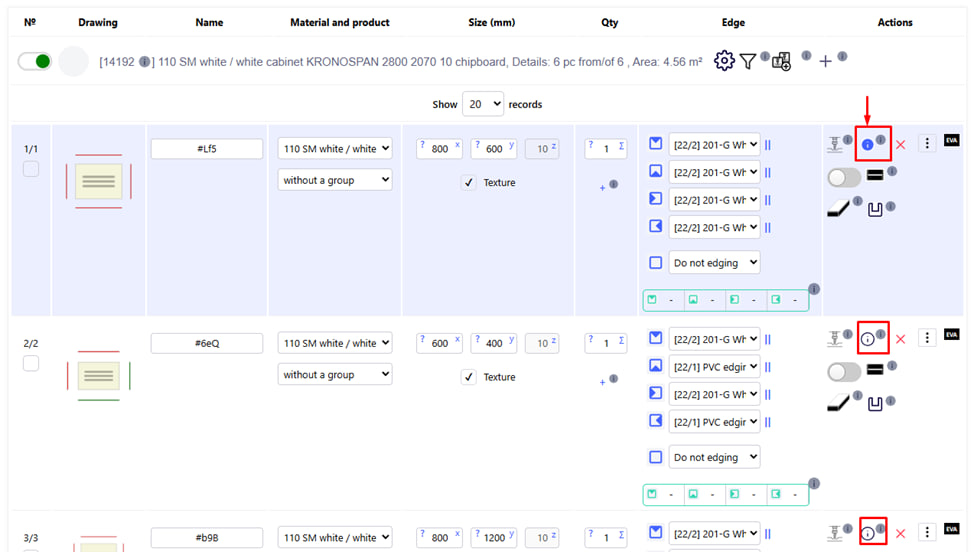
Note : Next to the part to which a comment is added, the corresponding sign is highlighted in blue .