This is the most numerous CNC operation . The better the work with it is automated, the less time you need to spend on order processing.
In iFurn . pro system will not allow you to enter drilling that cannot be done due to production limitations.
When importing from design programs, the following occurs :
- automatic diameter adjustment. If we have a 4.5 mm drill, and the imported part has a 5 mm drill, then the system will replace the diameter with the required one. The adjustment takes into account the plane.
- replacing drillings with notches. If the imported part has a 26mm diameter drill, and the machine does not have the required drill, then such drilling will automatically be replaced with a notch (milling). Adjustment taking into account the possibility of making such milling.
- adjustment of drilling depths. If the maximum possible drilling depth of a 5 mm diameter is 35 mm, and the imported part has a depth of 40 mm, then the system will automatically replace the depth at 35mm.
- correction of coordinates when trimming a part. If you need to drill a part measuring 300*50 mm and the machine limit is 300*100 mm, then the system will enlarge the part and provide trimming after CNC processing. If, when enlarging a part, you need to move the holes, the system does this automatically.
- depth adjustment. For through drilling, the depth must be equal to the thickness of the part + drill diameter. If the value is different, the system will correct it. For blind drilling, you need to leave a minimum of material body. Each Company determines this parameter yourself. If there is not enough material left, the system will adjust the drilling depth.
- automatic linking of drilling to the nearest corner of the part. When you change the size of the part, the holes will move in the desired direction.
- automatic depth adjustment when countersinking a hole. It is possible to use the second drilling as a countersink.
Uploading programs to CNC machines :
- coordinates holes are unloaded into saw and dimensional sizes. CNC machining of a part occurs before or after edging; the operator just needs to select the appropriate program.
- auto-rotate the part. If there are not enough spindles on the machine (example: on the bottom side 5 mm, on the top 8 mm), and the part has both drillings on both sides, then the system will automatically make 2 programs, one of which will be rotated 180 degrees. There are several criteria for why programs need to be separated. All of them are taken into account. After receiving CNC programs from iFurn . pro it is enough to simply scan parts on the machine. The system does all the technological preparation on its own.
Making holes :
You can make holes manually using the Drill operation in the interface.
You can choose the angle from which you want to count the indentations before drilling.
Coordinates can be entered as numbers or formulas.
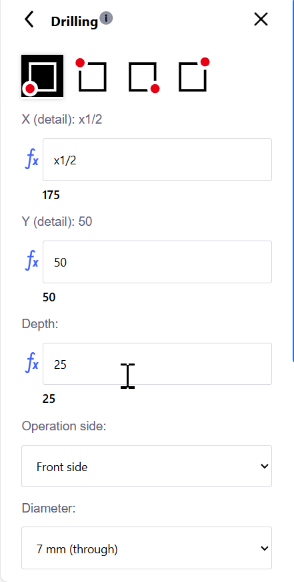 Drillings are introduced on one of the 6 sides of the part.
Depending on the side chosen details and drilling depth, the system will allow you to choose one of the possible drilling options.
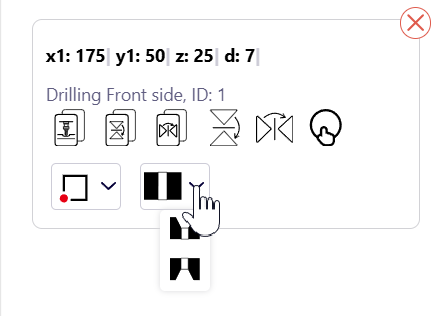 It is possible to make a group of holes at once with a vertical and/or horizontal offset.
Drilling can be specified with countersinking on the front or back side of the part.
Holes, like other CNC operations, can be mirrored.
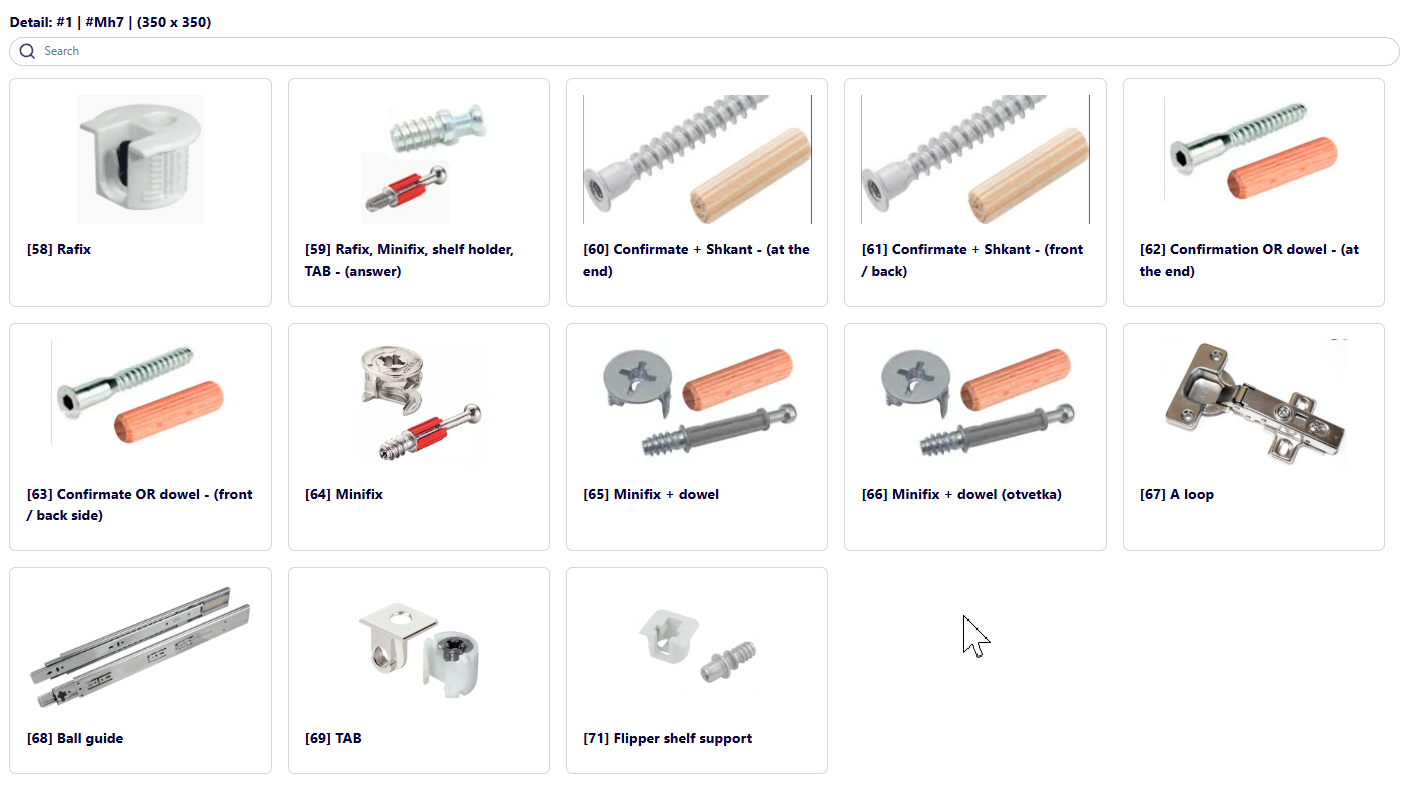
Drillings can be created using templates: