
End processing
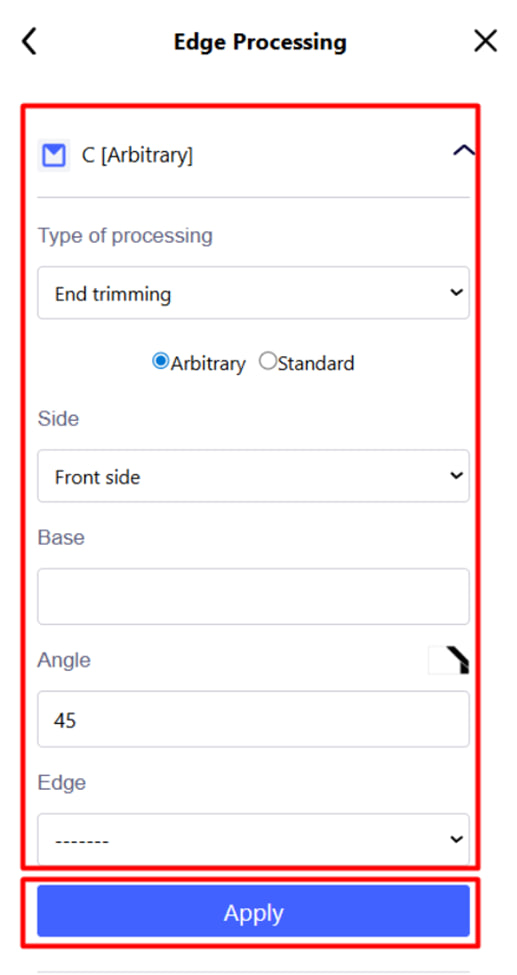
Pressing the corresponding button will open a menu with detailed settings for processing each end of the part . With its help, you can set the type of end processing, cutting angle, execution side and additional parameters. All detailed information about this function can be seen HERE .
After filling in the necessary parameters, click the Add button - the changes will be applied to the selected side of the part.
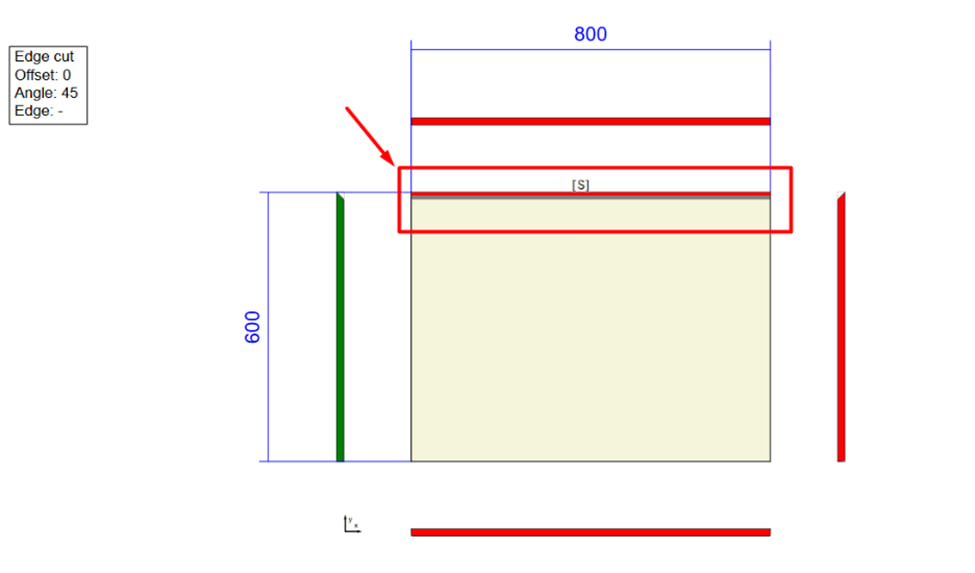
In the drawing, this section is marked with the letter “ S ” and a red line .