
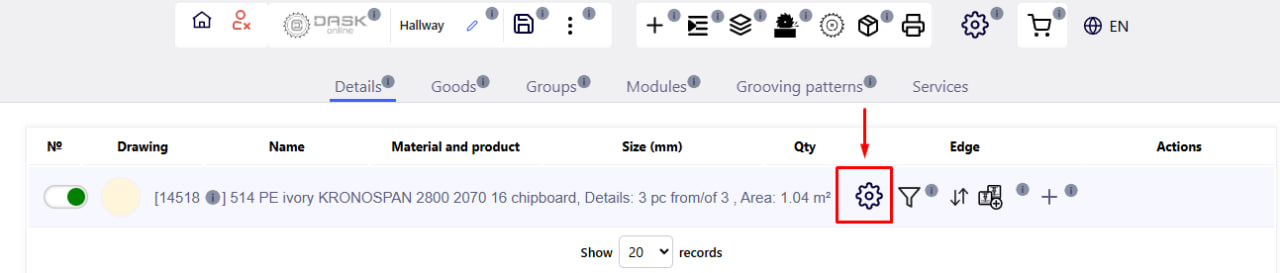
This button opens the settings window of the selected material . It is located next to each edited material in the project. 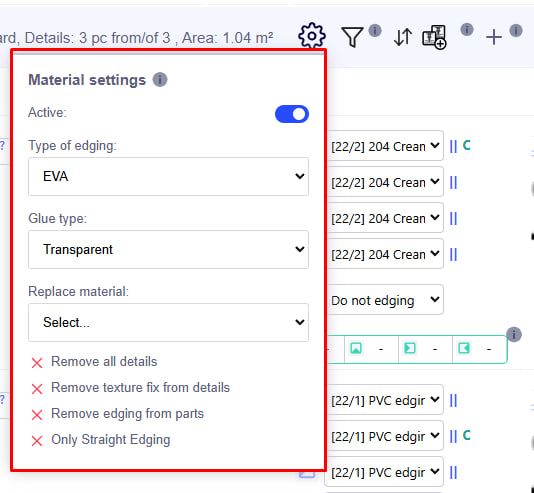
Clicking on the settings button will open the parameters window for the selected material in the project. These options affect cutting , detailing, costing, and labels.
Main parameters:
Active material (Active):
If the switch is active (green), the material is involved in calculations, cutting and detailing. If it is disabled (grey), there will be no cutting and detailing.
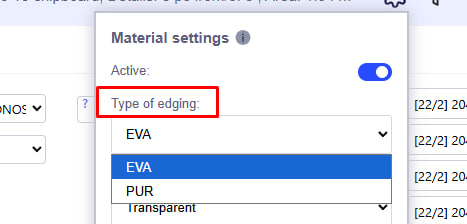
Type of edging :
Choose from a list (eg EVA, PUR).
Affects production label and cost formation.
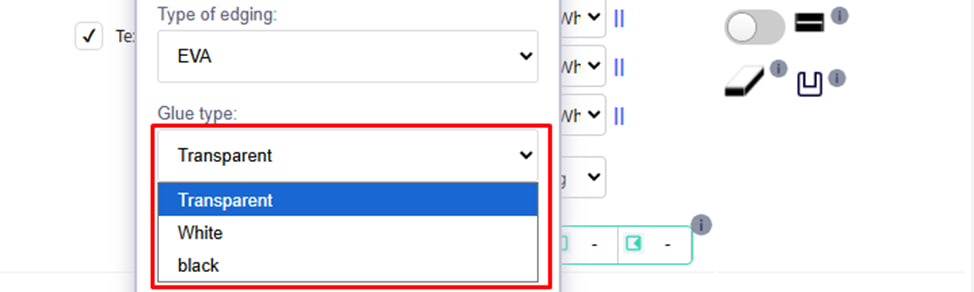
Glue type :
You can choose the color of the glue: white, black or transparent.
This information will be displayed only in the label.
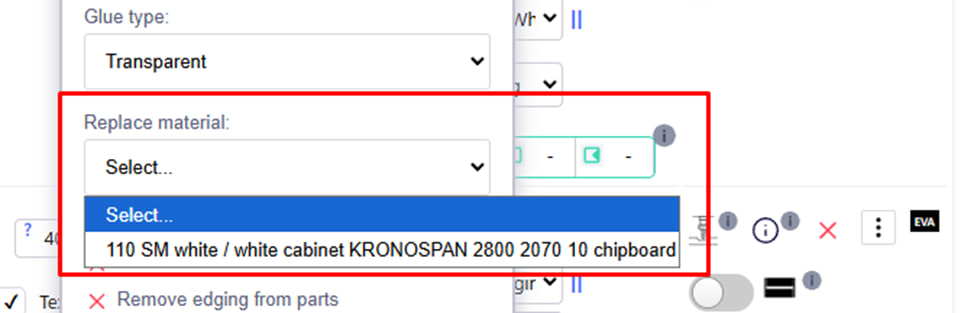
Replace material (Replace material):
Select a new material from the drop-down list - the system will automatically transfer all details from the old to the new material.
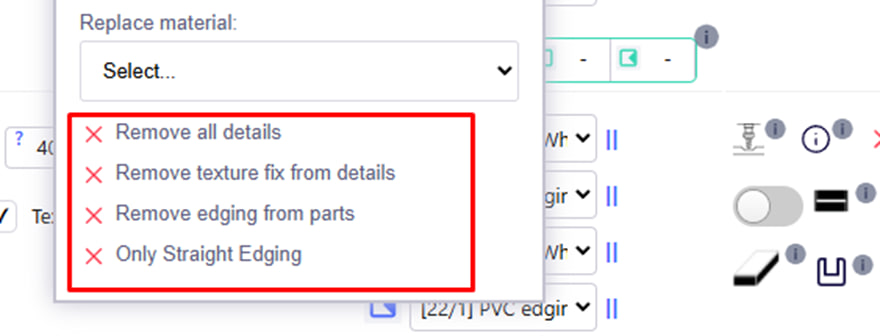
Additional actions:
- Remove all details — removes all details from this material.
- Remove texture fix from details — removes texture fix.
- Remove edging from parts — removes edging from all parts.
- Only Straight Edging — applies only straight edging.