
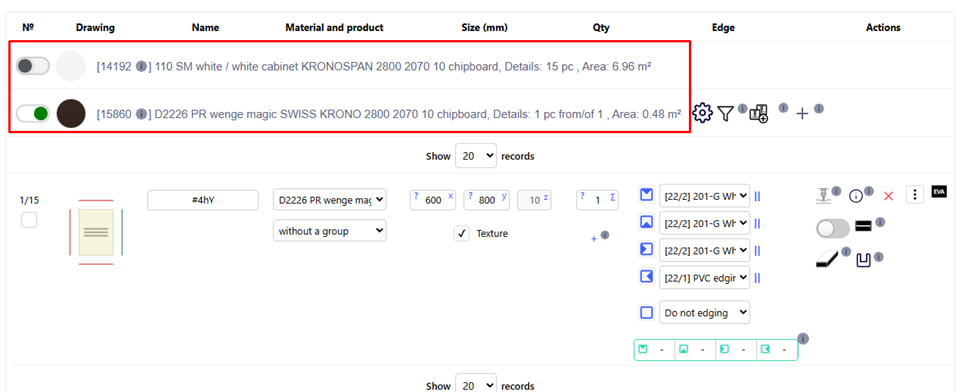
Materials that are in the project. 
The green switch is the material you are working on.

Note :
You will not be able to add or edit details with material that you are not currently working with.
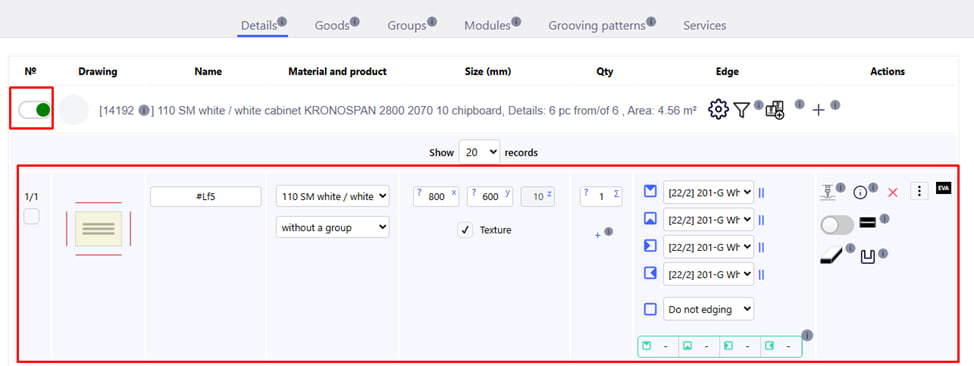
After activation, the detailing section becomes available: You can add, edit and delete details, as well as apply different processing to them. 
Each material has its own ID number , which allows you to quickly find it in the database, if it is a product from the system database , and not a material added by the client .
Note : The product ID is universal : that is, it is the same for all companies that use the platform.

Product name. It is indicated according to the main base of materials.