

When you press the button Quick stitching, the first type of stitching is activated - the same, when the front and back of the stitching completely match .
- One click of the switch or icon is enough — and the stitching is immediately applied or removed (depending on the condition).
- A typical size constraint similar to a standard part is used.
How it works
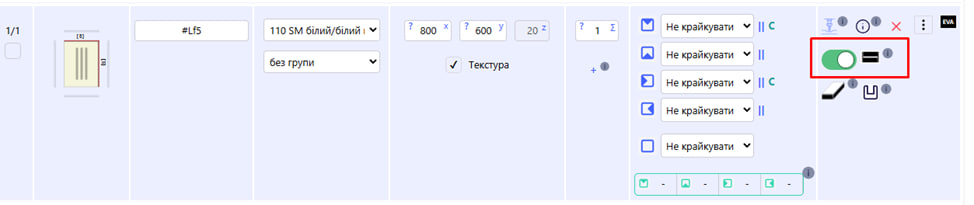
- On - the icon is highlighted, stitching is applied.
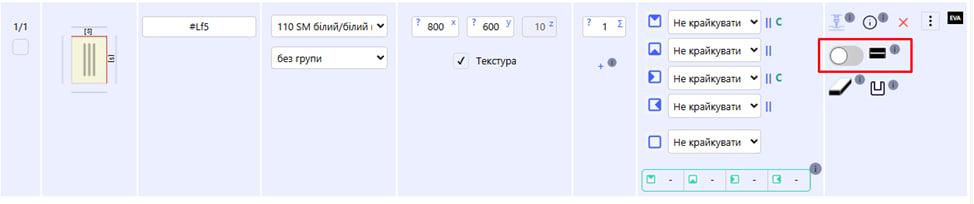
- Off - the icon is dimmed, there is no stitching.