
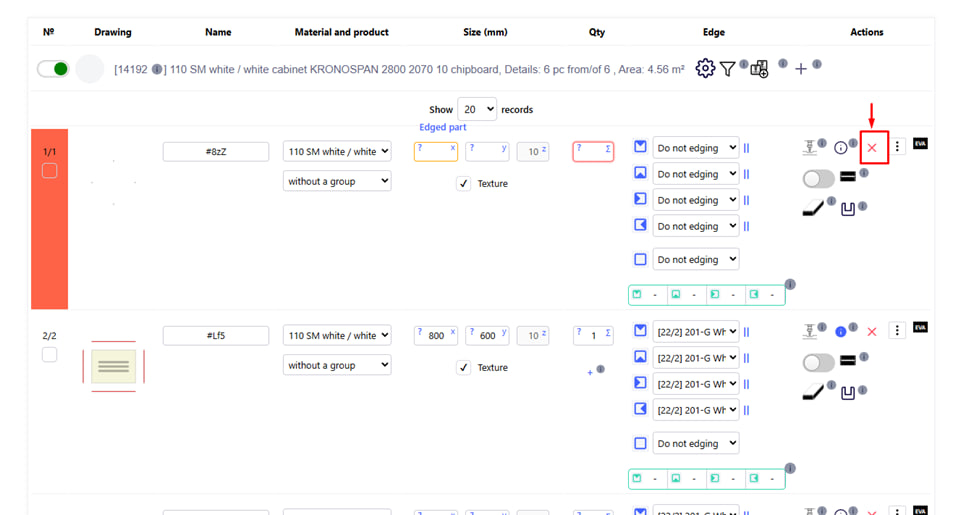
This button is intended to remove a single part from the active material in the project.
How to use
- Click on the red cross located on the right side of the row of a specific detail.
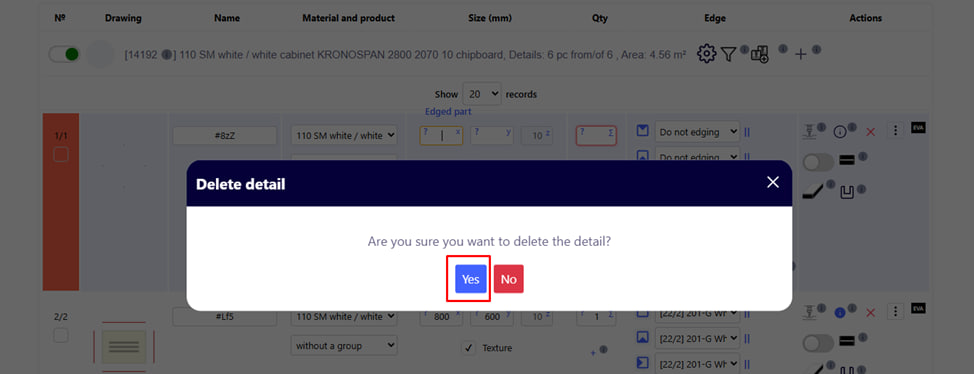
- After clicking, a confirmation window will appear. Click " Yes " to permanently remove the selected item from the list.
Attention : After deletion, the detail is not saved in the change history — it completely disappears from the project. If the deletion was incorrect, you will have to enter this detail again.
Why is it needed?
- Convenient when editing the list of parts without the need to import a file.
- Allows you to quickly clean the project from unnecessary or mistakenly added details.