
Trimming the part (trimming along the perimeter) - makes it possible to trim the part from any side (up to 4 operations at the same time).
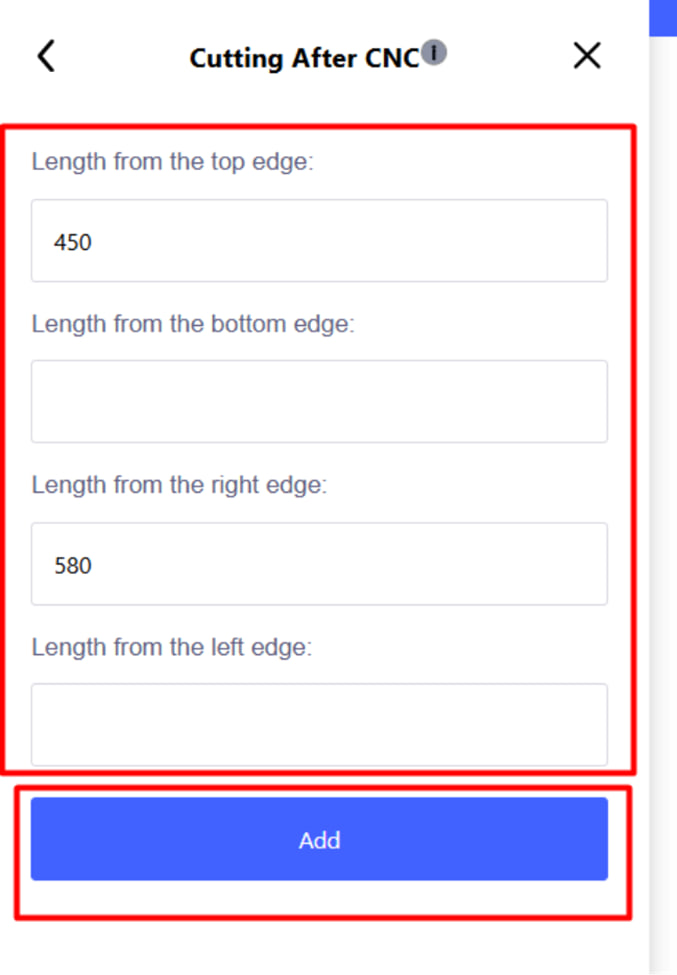
In the menu that appears, set the necessary parameters and click the blue " Add " button to confirm the operation.
Note :
- Cropping is added as a normal operation.
- In the Indent field, the size of the remaining work after trimming is indicated.
- It is mainly used for processing small parts on machines.
- It is edited in the same way as other operations.
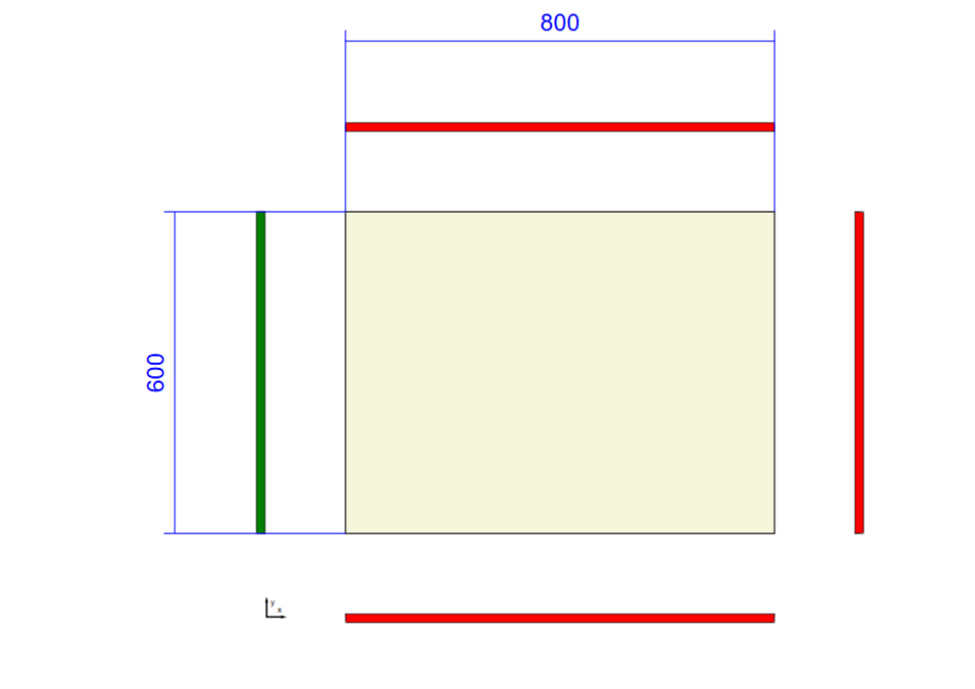
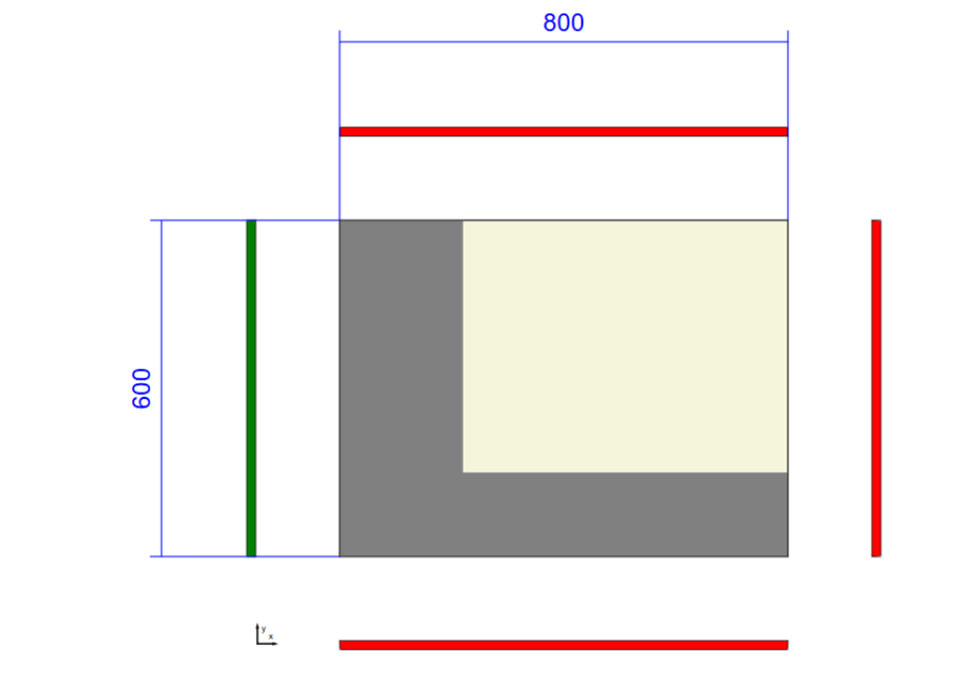
Practical application:
If the part is too small for direct drilling on the machine (for example, the machine has a limit of 200×35 mm, and the part is only 50×50 mm), then the part is artificially increased in size, all CNC operations are performed, and then it is cut to the required dimensions.
Example:
You need to drill a part of 100x100 mm, but the machine supports a minimum of 200x50 mm.
- Create a 200x100 mm detail.
- Perform all necessary drilling.
- Add the Crop operation and trim the edges to get a finished part of 100x100 mm.