
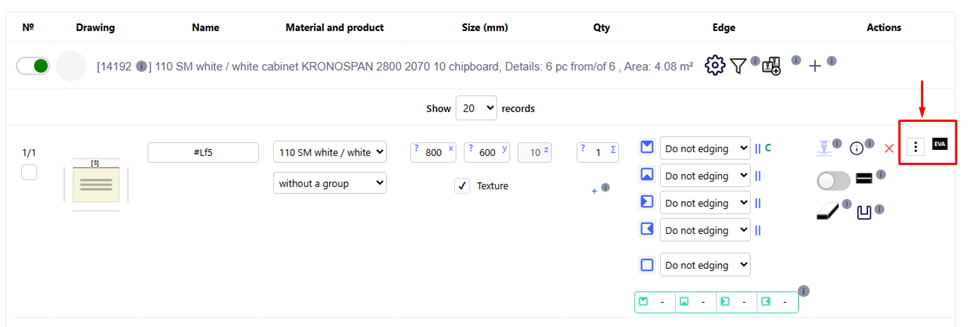
This button opens a context menu , where the basic actions with the part are available - copy, mirror, rotate, edit edge, print, etc.
Note : All actions apply only to the selected part.
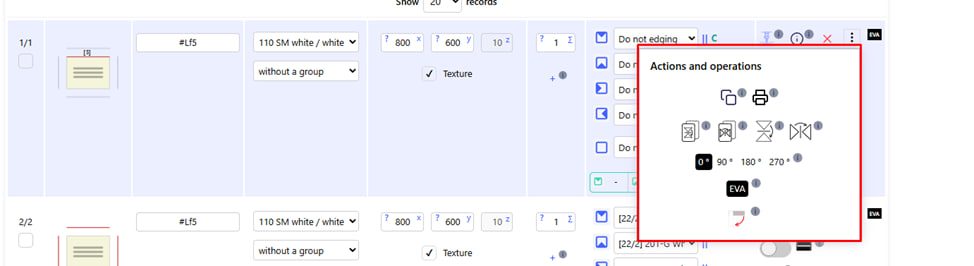
After clicking on the icon with three vertical dots, the Actions and operations menu will open, with the following functions:
1. Copy the detail 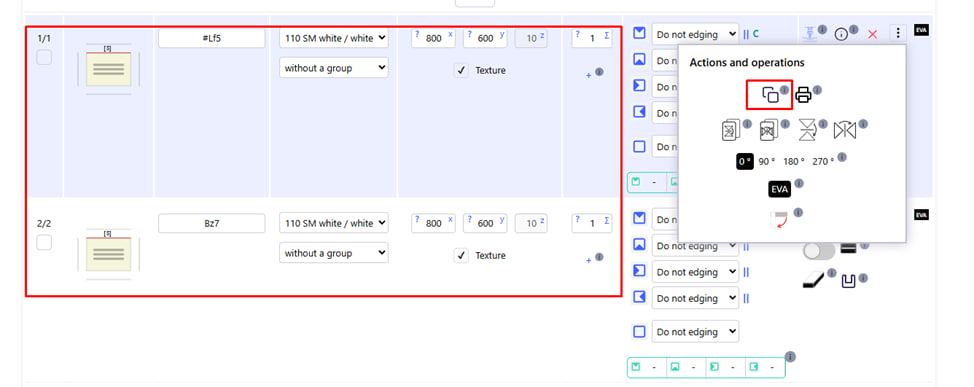
- Creates a copy of the current detail further down in the list.
- The name is generated automatically - you can change it if necessary.
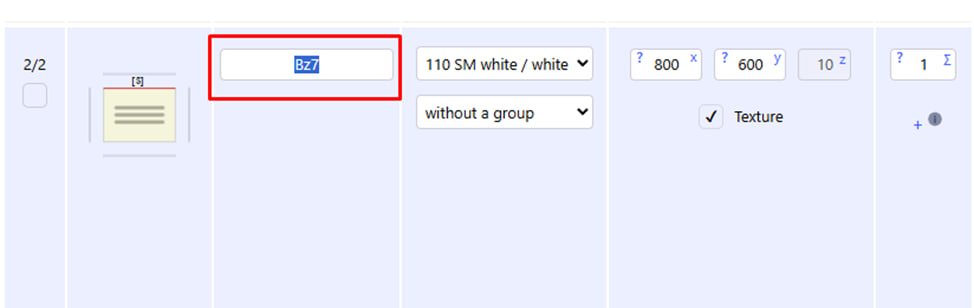
- To do this, double-click the mouse in the appropriate place. After that, the title field becomes editable.
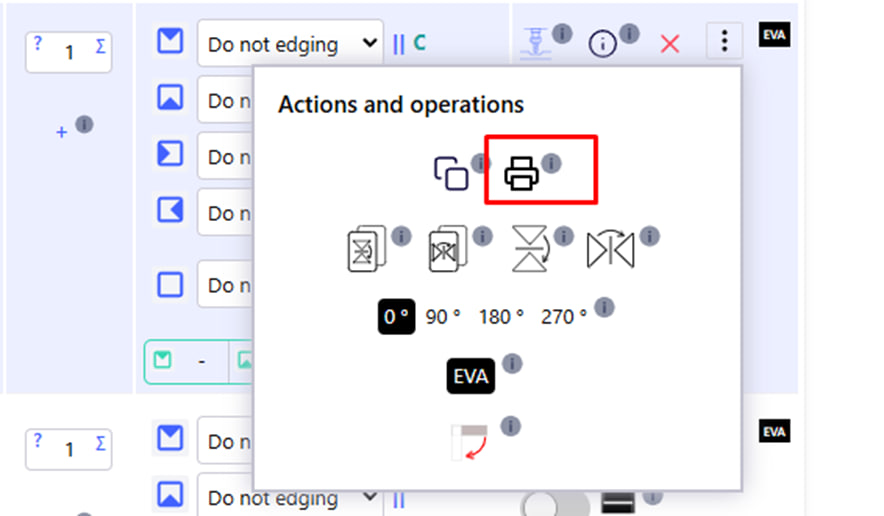
2. Printing
Detail drawing
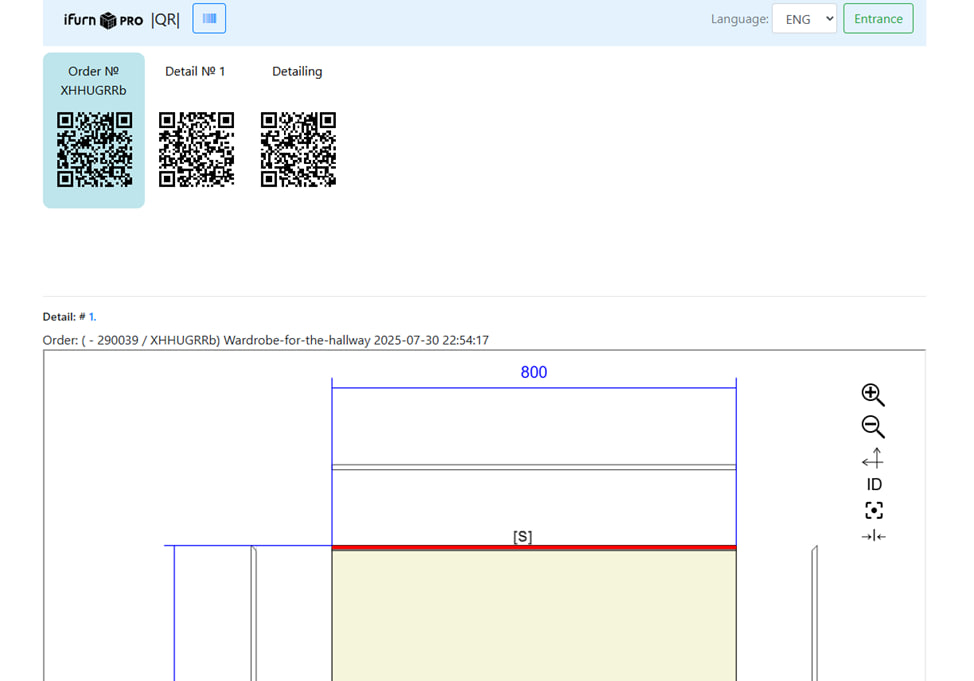
After pressing the corresponding button, opens a report on the detail in a new window . Contains all processing, drawings, text description.

3. Vertical copy with reflection
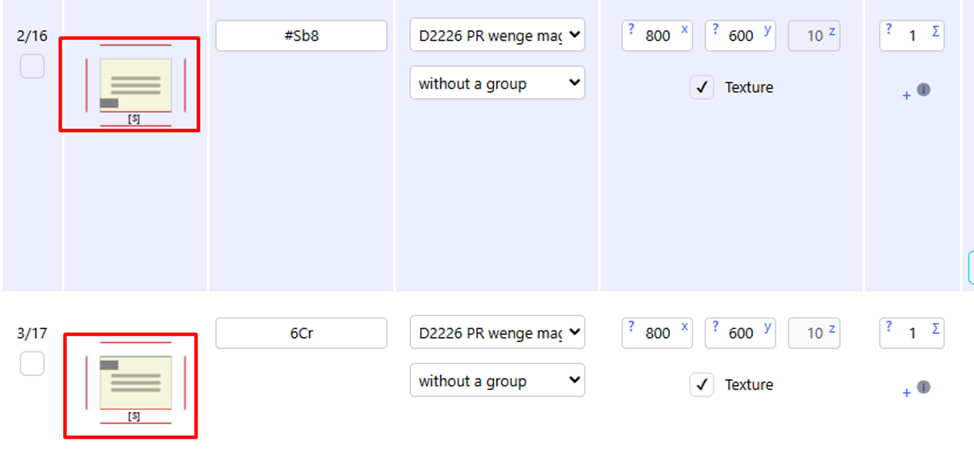
- A copy of the part is created with a vertical mirror image .
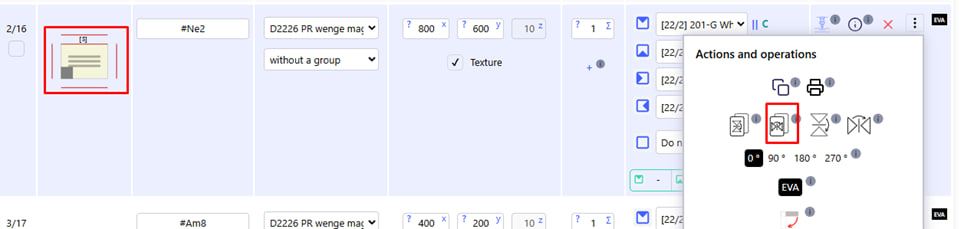
4. Horizontal copy with reflection 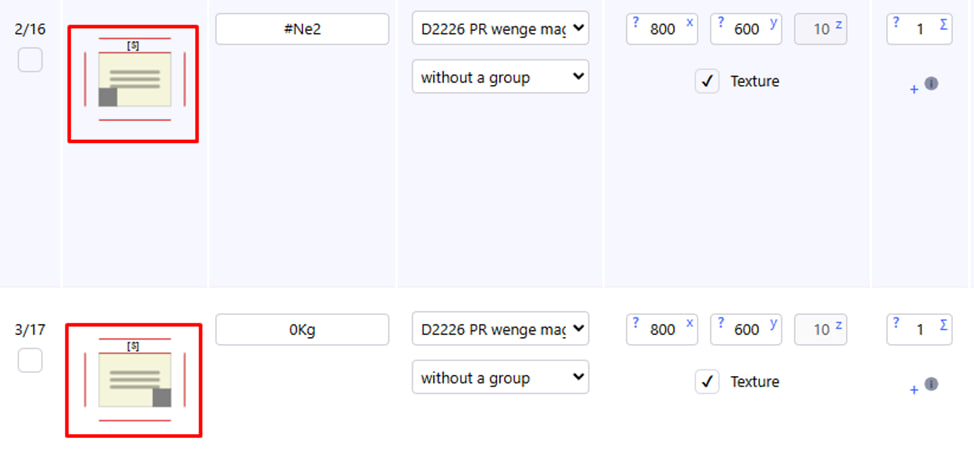
- A copy of the part is created with a horizontal mirror image.
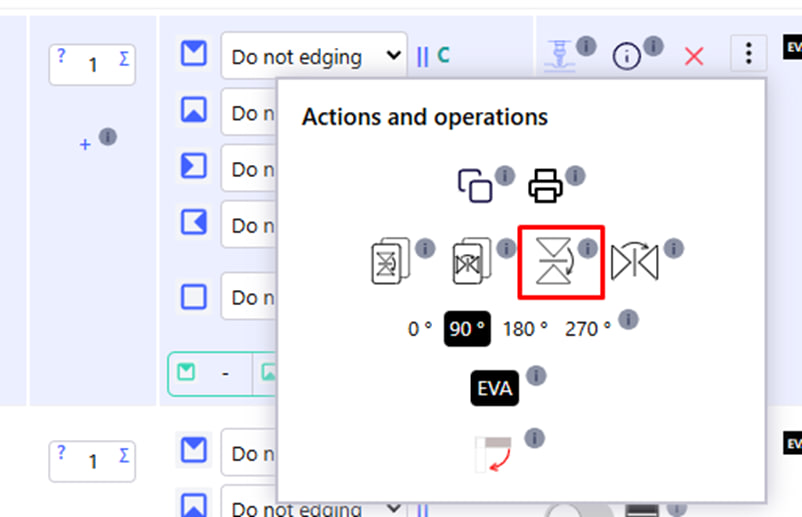
5. Vertical mirroring of the current part
- All operations ( milling , holes, etc.) are mirrored vertically on the same part .
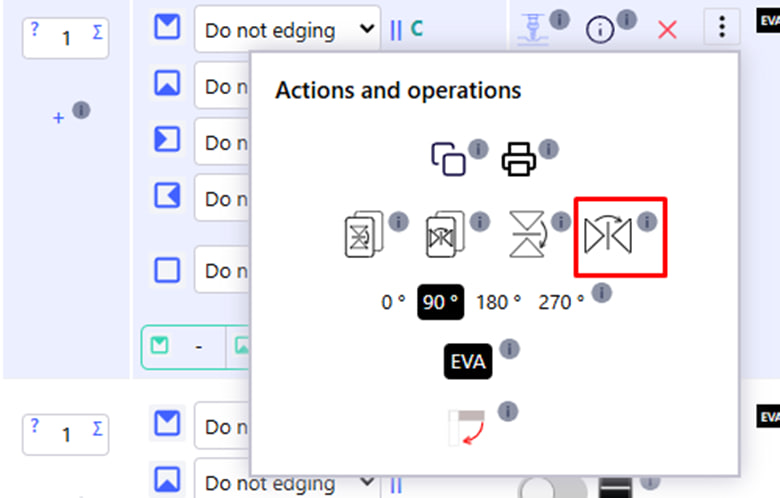
6. Horizontal mirroring of the current part
- All operations are mirrored horizontally on the current part.
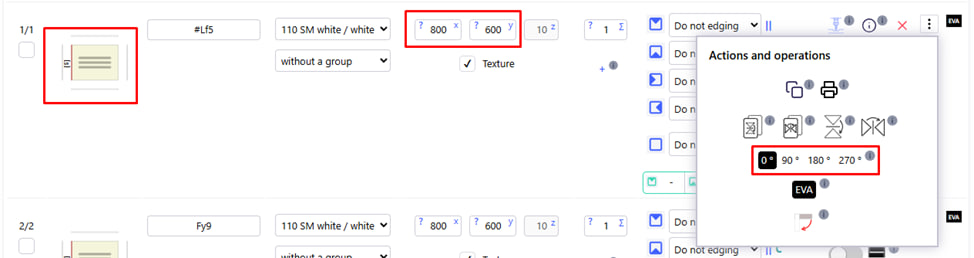
7. Part rotation: 0°, 90°, 180°, 270°
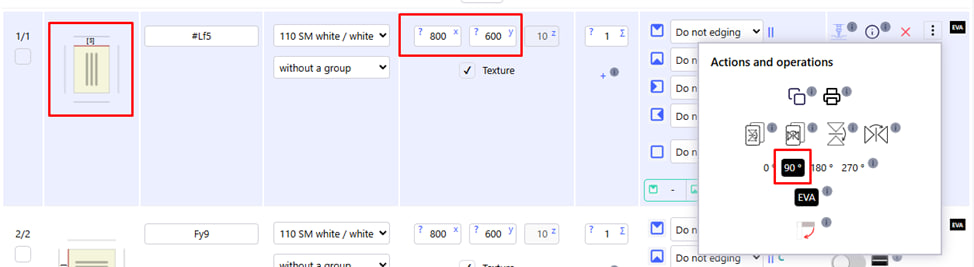
- Returns the shape of the part to the selected angle.
- The texture remains unchanged .
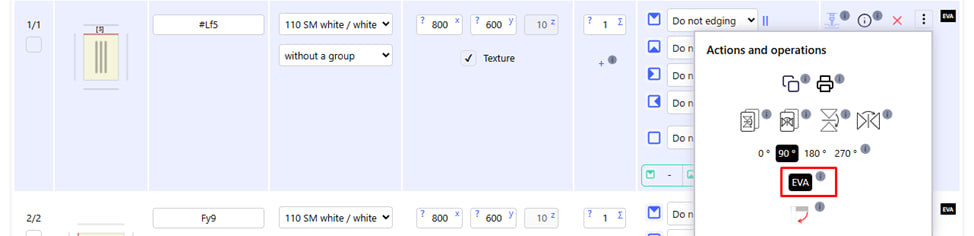
8. Type of edging (e.g. EVA)
- Allows you to view the type of edging applied to this part.
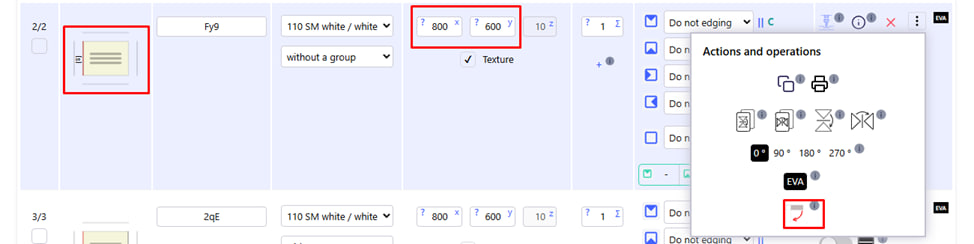
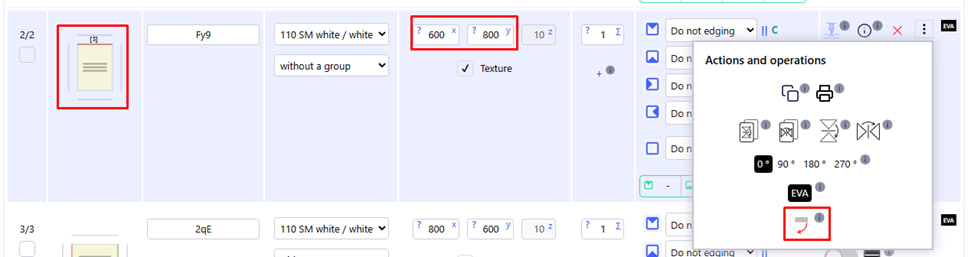
9. Wrap with texture
- Rotates the part along with the texture direction by 90° clockwise .