
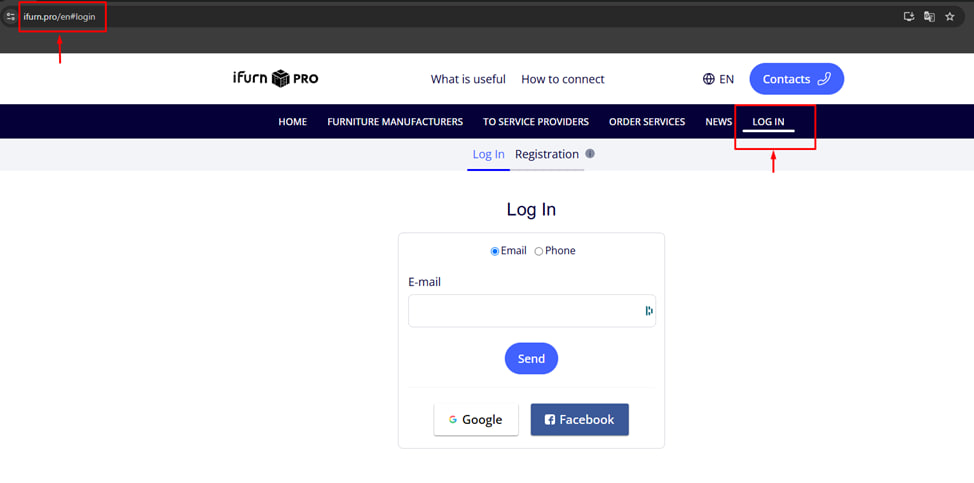
Go to the iFurn Pro website.
• Open your browser and enter the iFurn Pro website address.
• In the main menu, find the Login item and click on it.
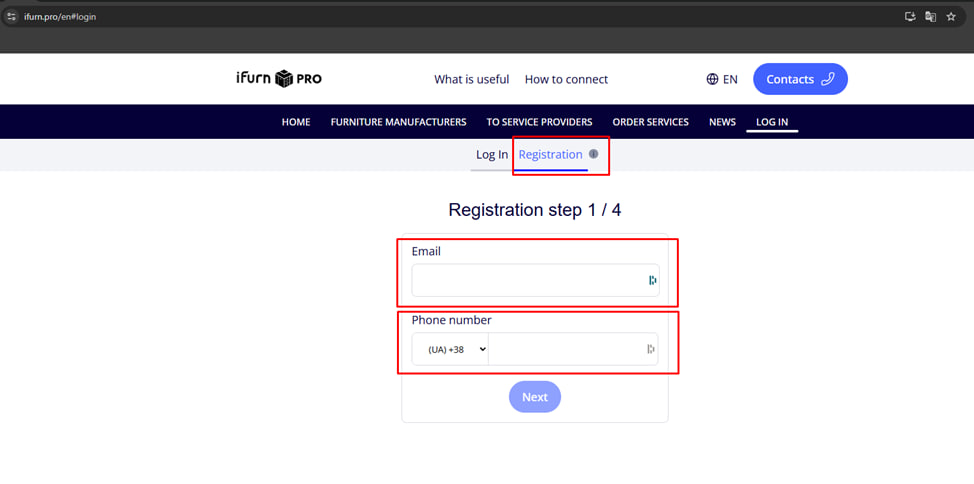
Registering a new user.
• Click the " Register " button.
• Fill out the registration form step 1/4:
o Email - use only a new, previously unregistered email address.
o Phone number - also unique! The same number cannot be used for multiple accounts.
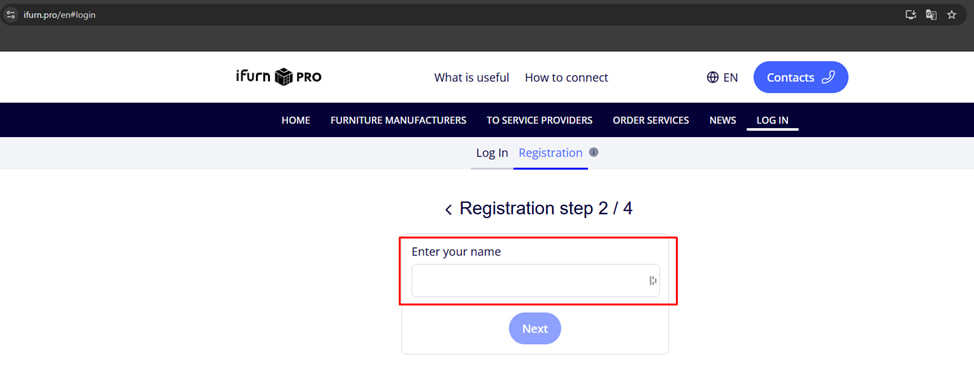
• Fill out the registration form step 2/4:
o Name
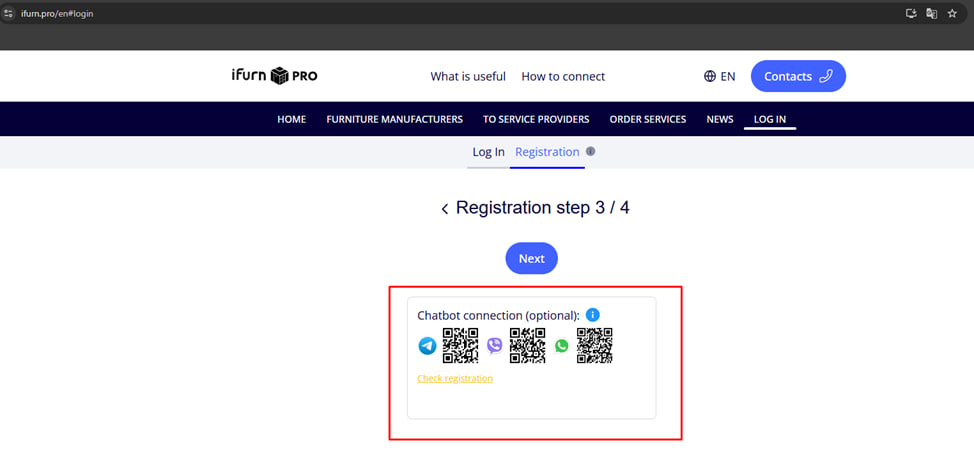
• Fill out the registration form step 3/4: Connecting the chatbot “ Optional ”.
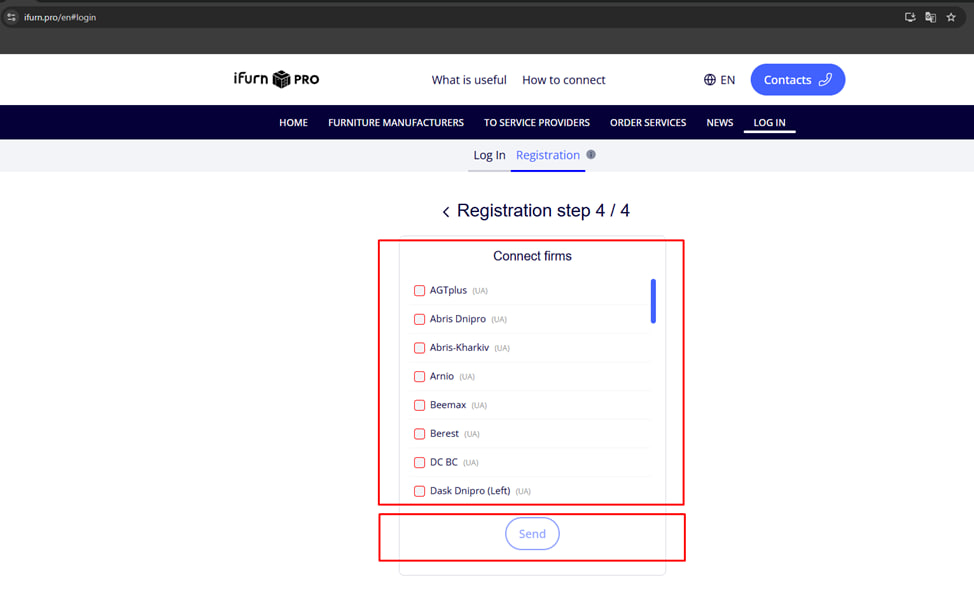
• Fill out the registration form step 4/4: Connecting companies to the account
• Connect companies to your account by selecting them from the list.
• Click send .
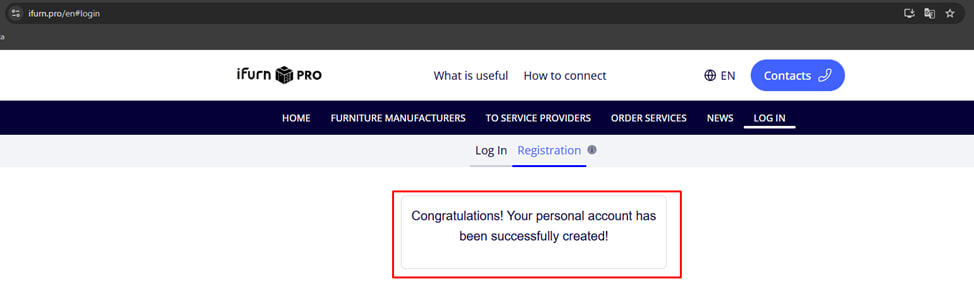
Once you have completed all 4 registration steps , your account will be created!
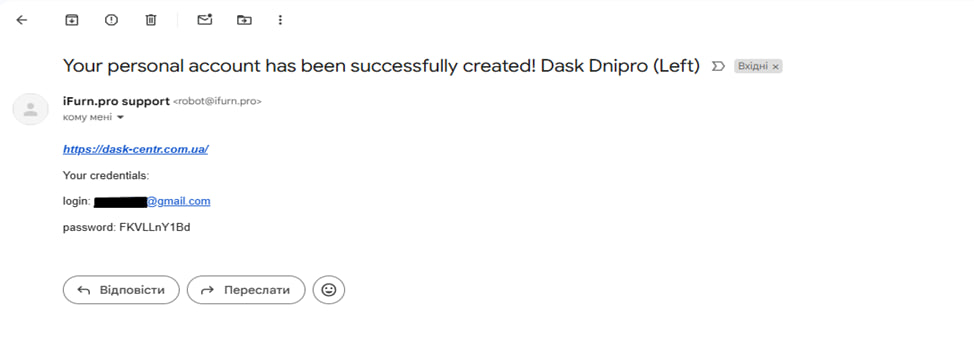
Once the account has been created, a master password will be sent to the email address specified during registration.
Now you can return to the authorization page and log into your personal account.
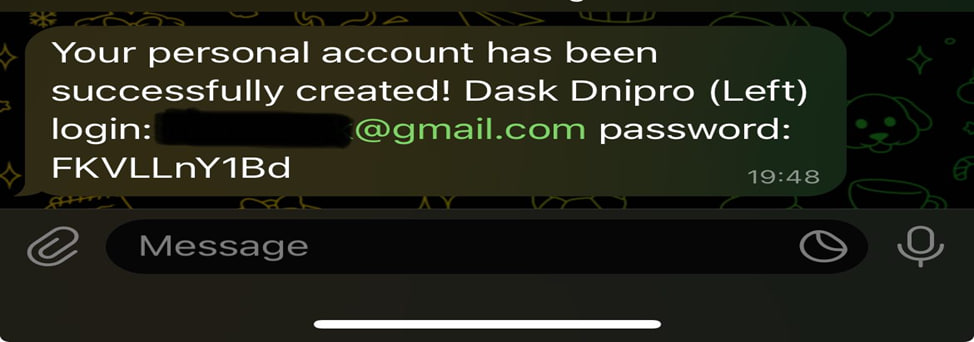
Note : If you have connected the chatbot , the account creation confirmation and master password will also be sent through it. In addition, you can authorize directly through the chatbot .