
Stitching / gluing.
Select the Stitch tool from the menu on the left. After that, from the drop-down menu, select the " Stitching " method .
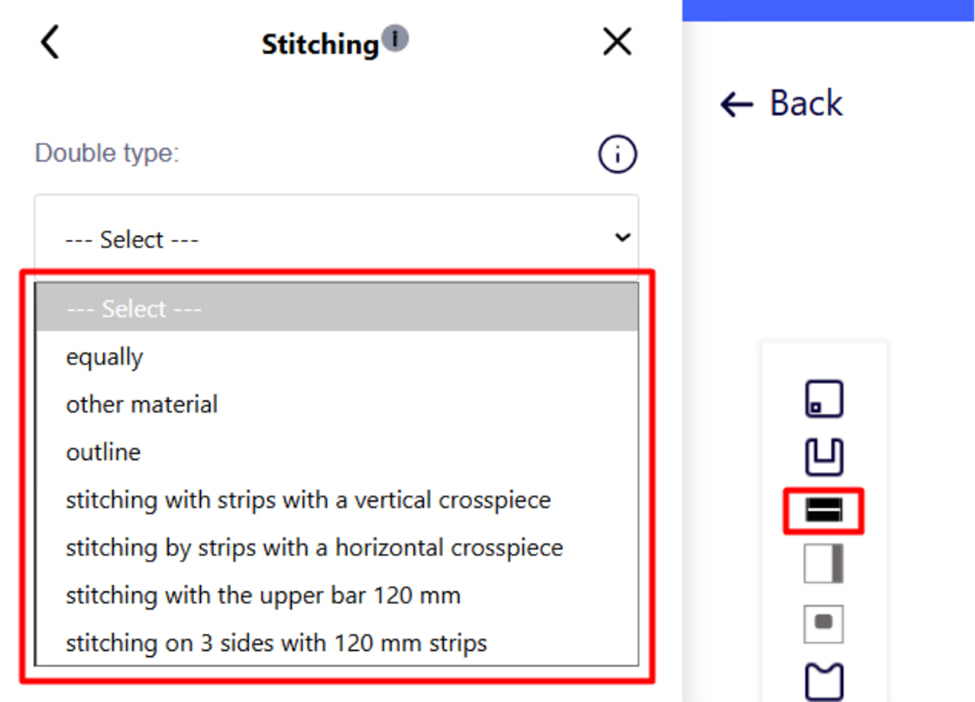
Stitching is the joining of two thin materials to obtain a thick part. The system supports 7 types of stitching, each of which has its own characteristics and minimum size restrictions. 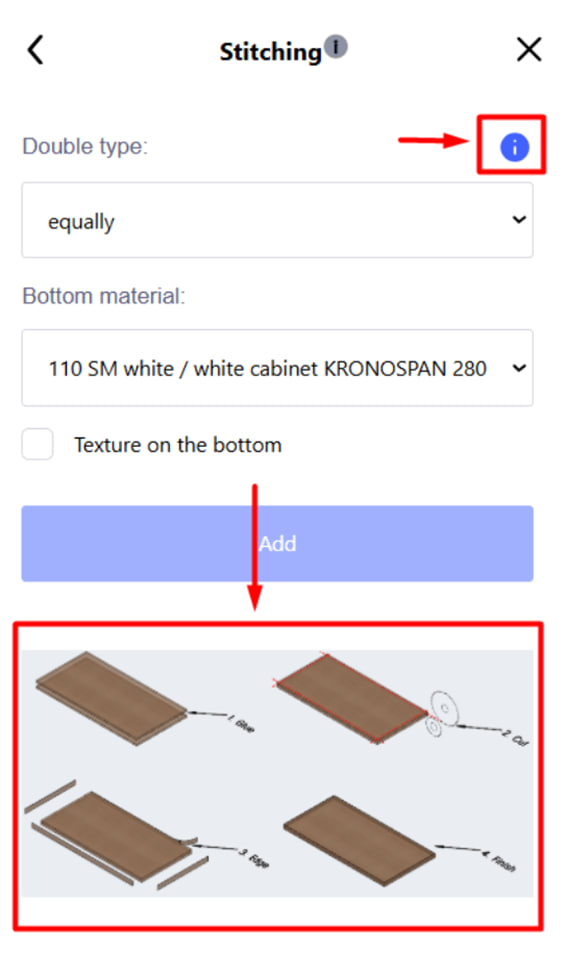
When choosing the type of stitching, you can see how this or that type of stitching is assembled by clicking on the information tip .
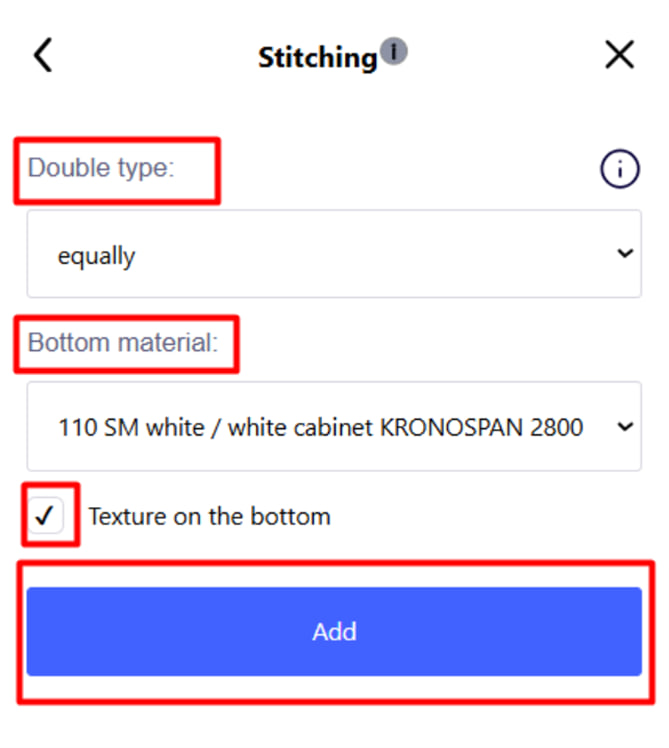
During setup, you need to set:
- Stitching type (mandatory parameter).
- Material for hemming (mandatory parameter).
- The edge for lining the lower part (optional, depends on the type).
Important : Stitching can only be added once. If you need to make changes, you need to delete the existing stitching and create a new one.
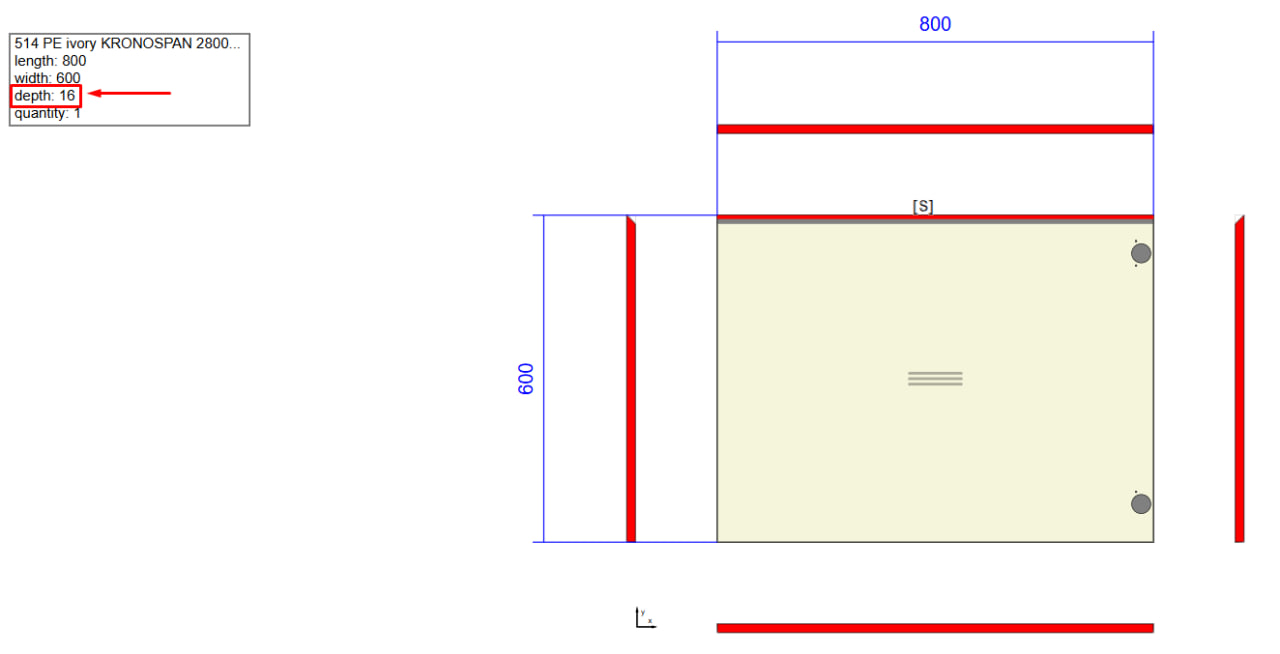
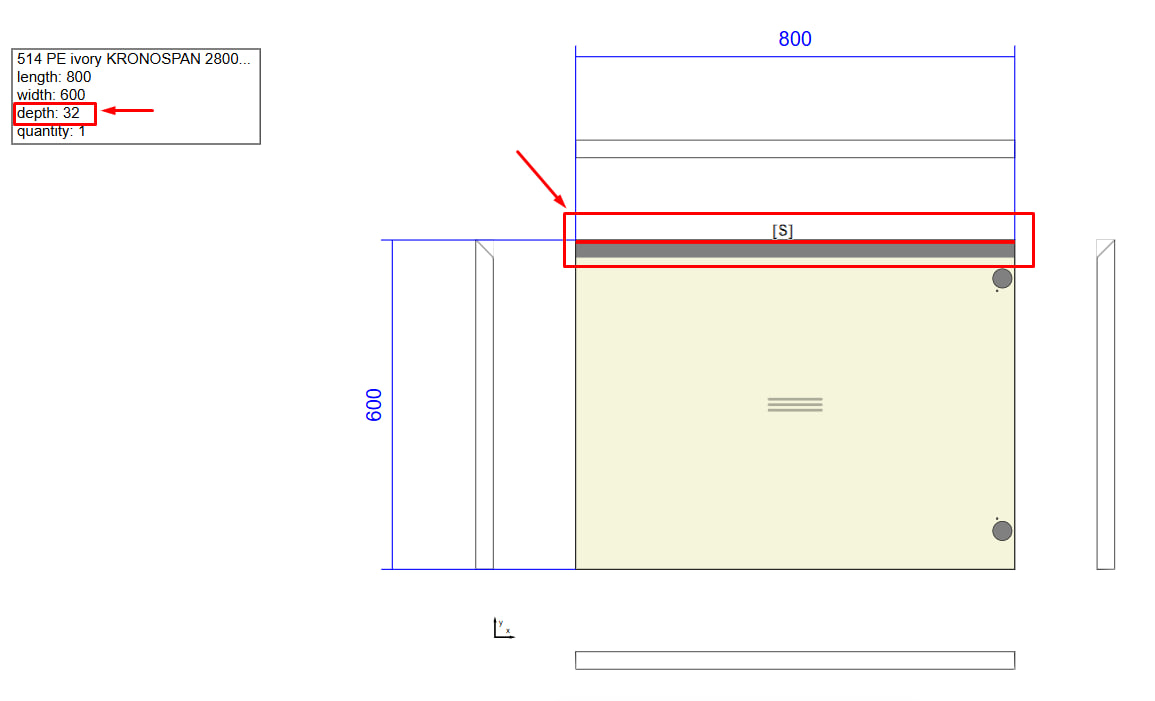
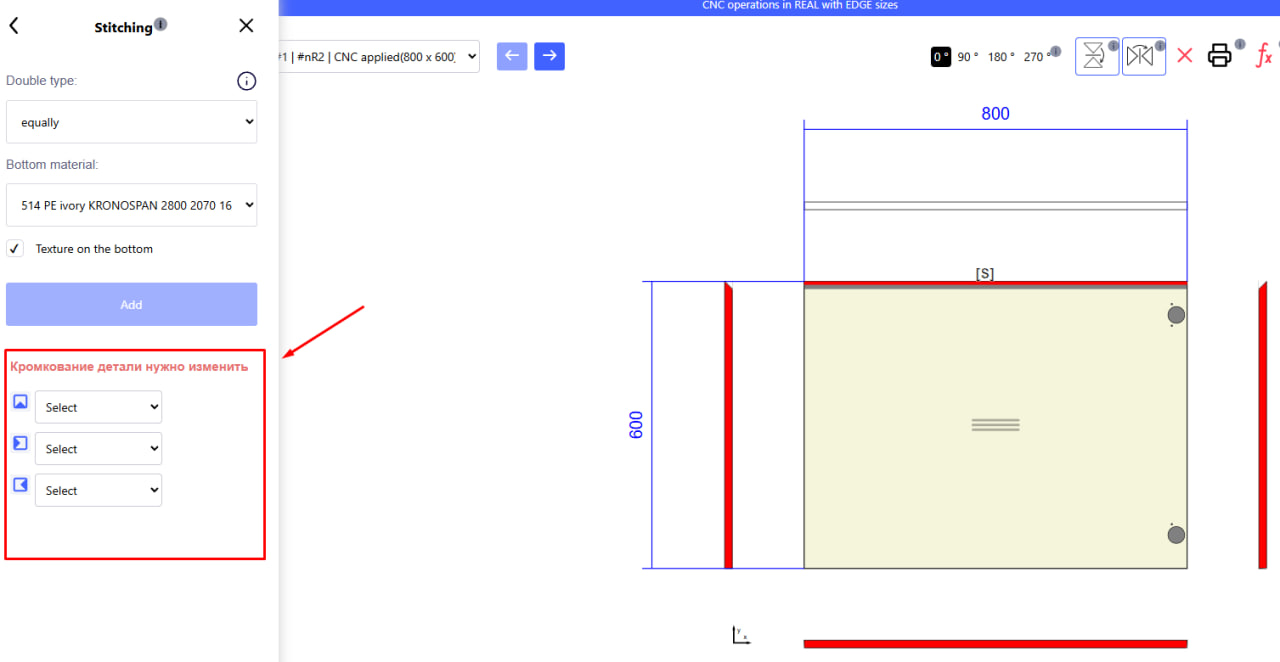
If the part before stitching was edged with an edge whose width is not suitable for a thick part, the system will issue a warning and offer an opportunity to change the edge.