
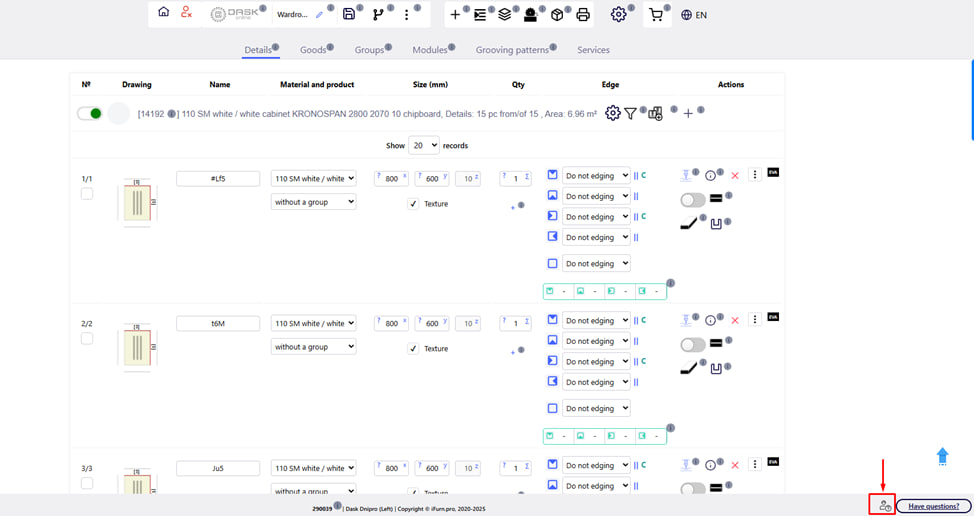
In the lower right corner of the main page of the project creation, there is a " Technical support " button. It allows you to quickly contact the support service of the company or the iFurn.pro platform in case of technical difficulties, errors or questions that need clarification.
Note:
Before contacting technical support, we recommend performing a few simple actions that often help you solve the problem yourself :
- refresh the page (Ctrl + F5);
- clear the browser cache (Ctrl + Shift + Del).
If the problem persists after that, use the technical support button to contact specialists.
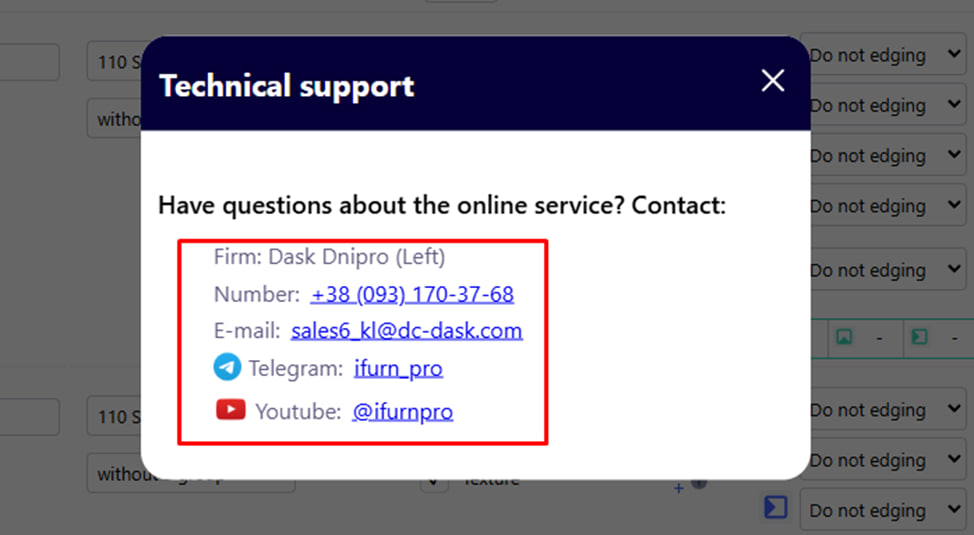
After pressing the corresponding button, a pop-up menu with contacts appears. For example :
- Company: Dask Dnipro (Left Bank)
- Phone: +38 (093) 170-37-68
- E-mail: [email protected]
- Telegram: @ifurn_pro
- YouTube: @ifurnpro
Main features:
- call the company in which you are creating the project;
- write an e-mail to the company in which you are creating the project;
- go to the Telegram bot iFurn.Pro company;
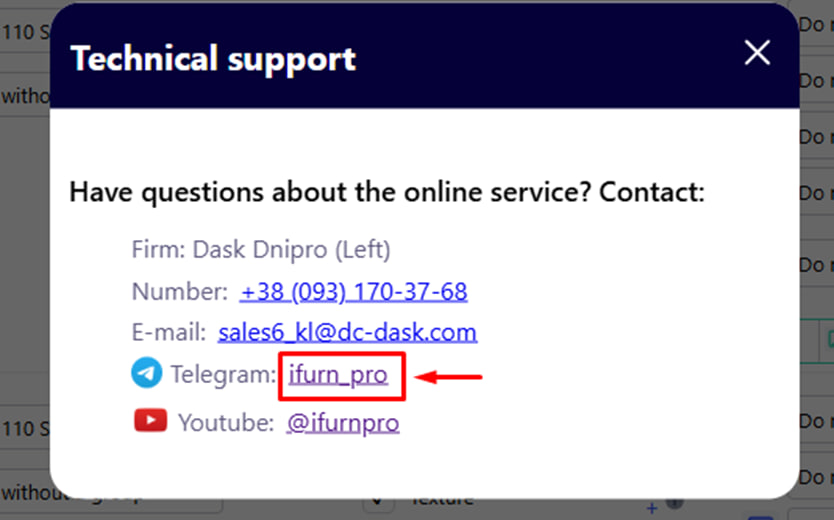
To do this, click on the appropriate link.
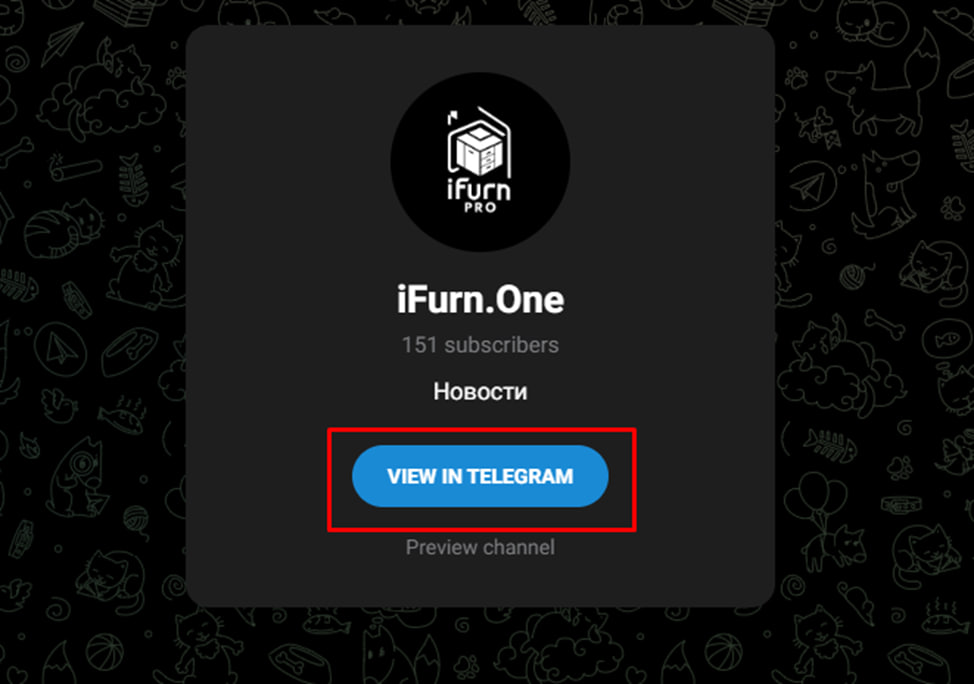
After that, a new browser window will open with a request to switch to the Telegram application. Click the blue button to confirm the transition.
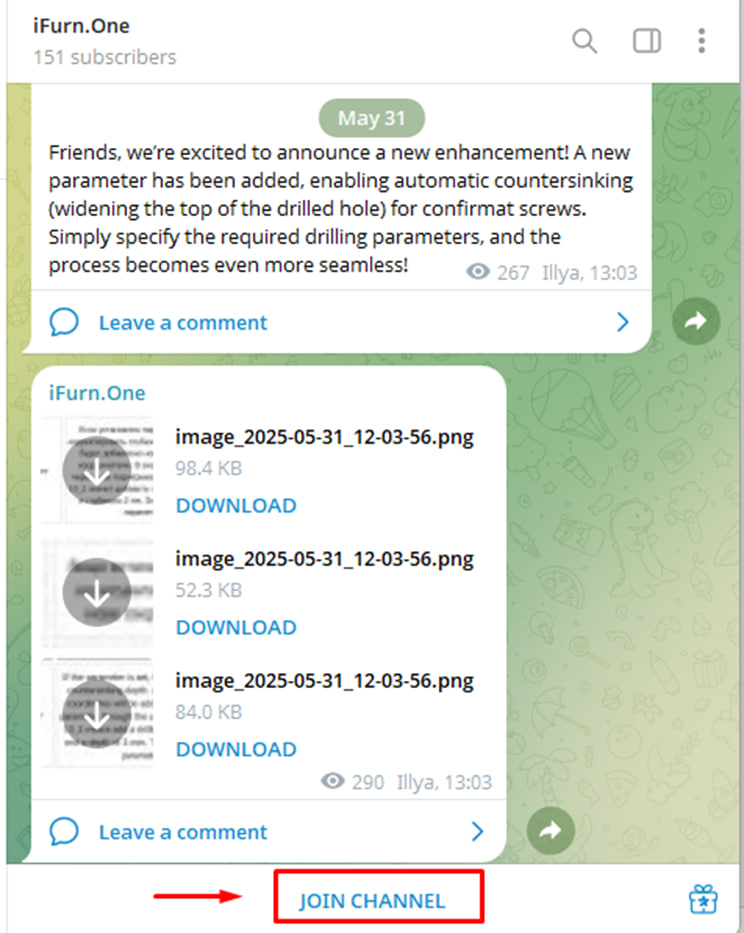
Click the blue Join button to follow all the news in this bot.
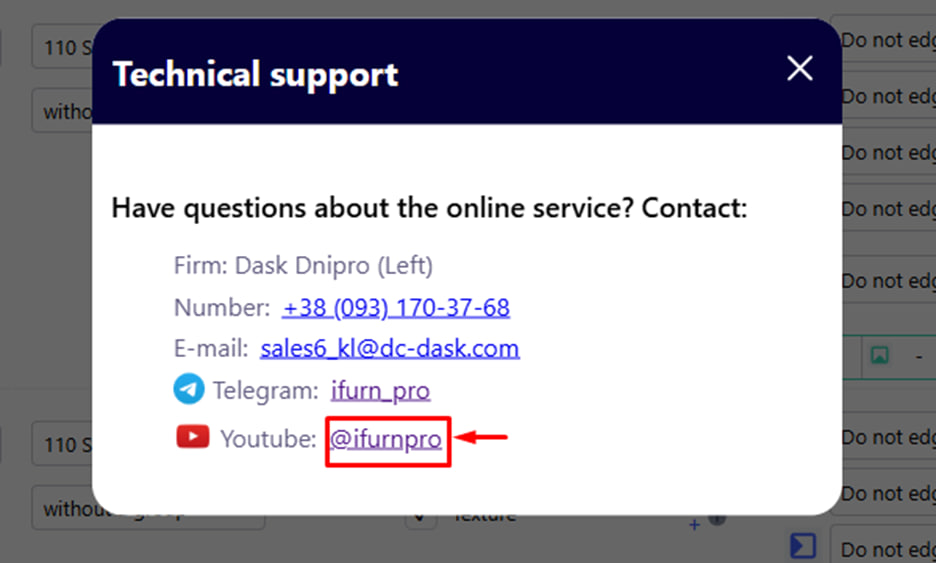
- to go to the iFurn.Pro YouTube channel, click the corresponding link.
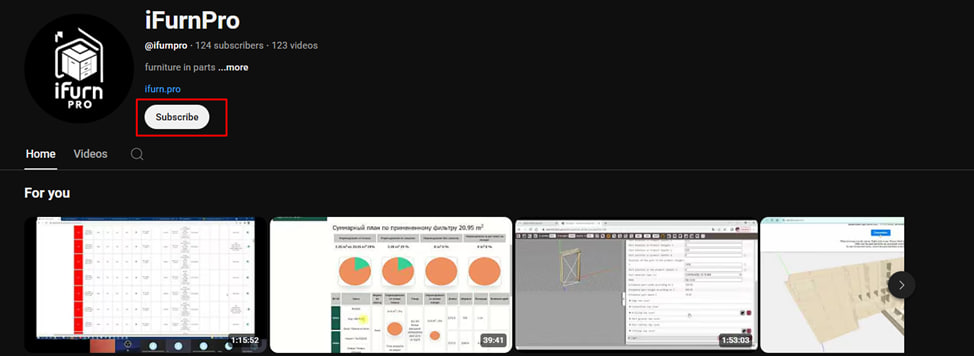
Click the Follow button to follow all the news on this channel.