
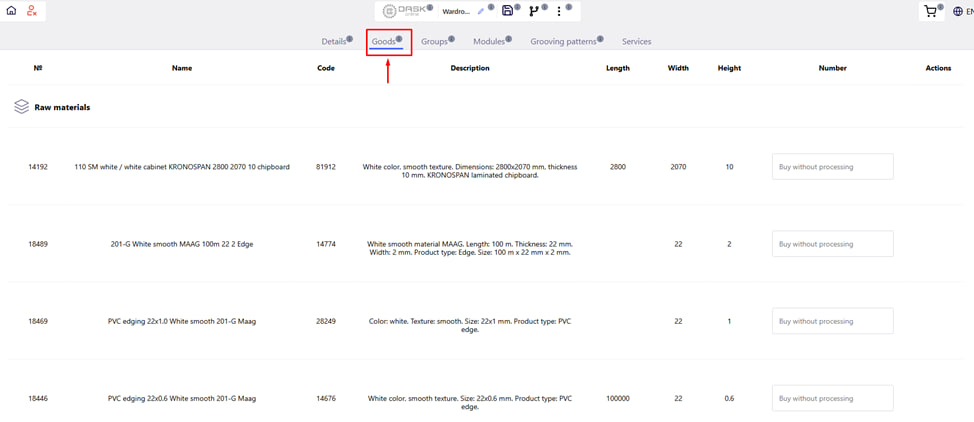
The " Products " tab allows you to add fittings, components, raw materials or accessories to the project, which will be included in the general order. These can be both parts of ready-made products (for example, bedside tables), and individual items ordered independently.
What can be added in the section:
- Accessories (hinges, handles, fasteners);
- Accessories (legs, guides, mechanisms);
- Raw materials (for example, chipboard sheets for sale without processing);
- Remaining material (incomplete sheets for sale).
Features of working with goods:
If the product or part is filled in gray , it means that it is part of the product - you can edit or delete it only by editing the corresponding product .
Note:
- All selected goods and raw materials that do not require processing services will appear in the calculation in a separate section.
- Such positions are also separately included in the internal accounting database (as separate elements). For example : If you ordered a part from White chipboard separately — a sheet of the same chipboard without processing → They will be taken into account separately in the system.
In the tabular part, you can:
- Specify the required quantity of goods;
- Specify the amount of raw materials without services;
- Select the remaining sheet material for sale.
This section allows you to form a complete specification of the order - not only in detail, but also in additional items that may be important for installation or completeness of the product.