
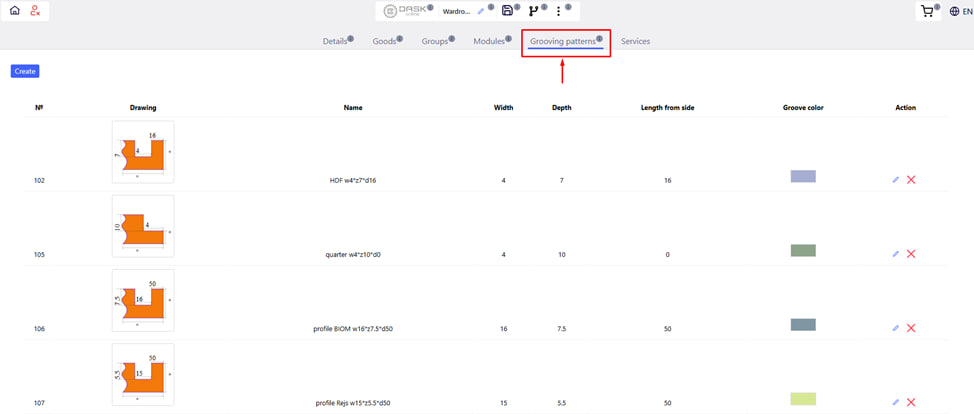
The Grooving Templates tab allows you to quickly and conveniently add grooves of the same type to project parts using pre-configured or manually created templates .
Main purpose:
- Optimization of work with repetitive milling .
- Quick application of ready-made templates.
Available functions: 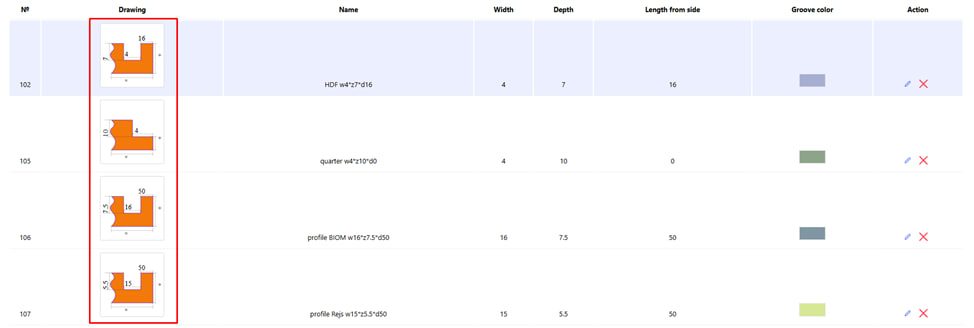
1. Using ready-made templates:
- The system has a list of pre-created groove templates.

2. You can choose the desired template and change its parameters without creating a new one (depth, position, width, etc.).
- To do this, click on the button in the form of a pencil .
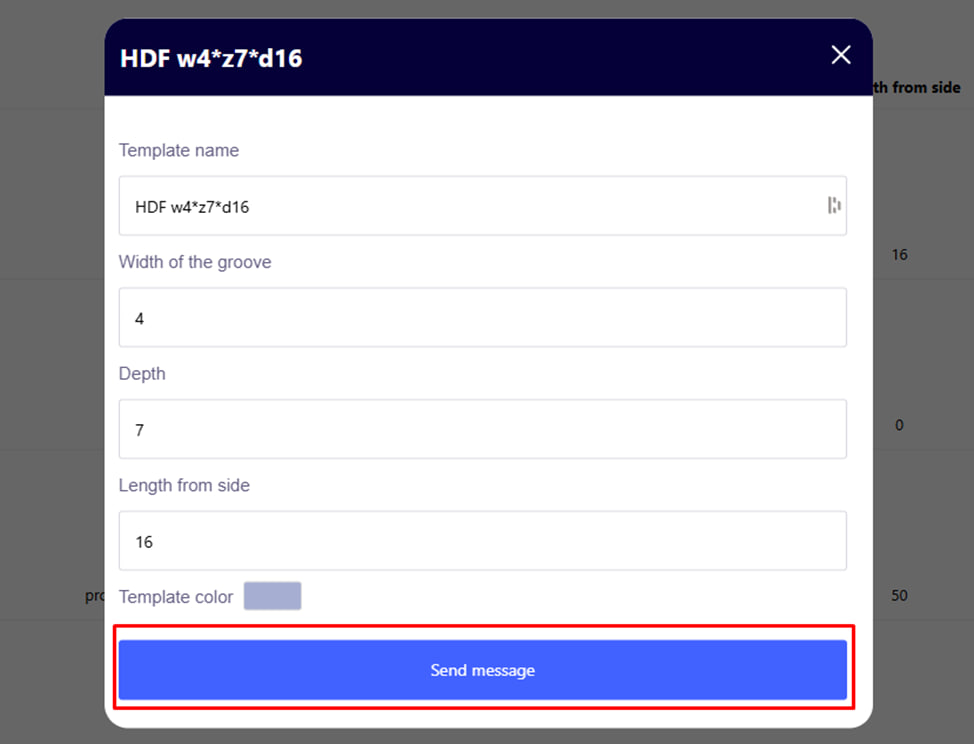
- Make the necessary changes and click the blue submit button .
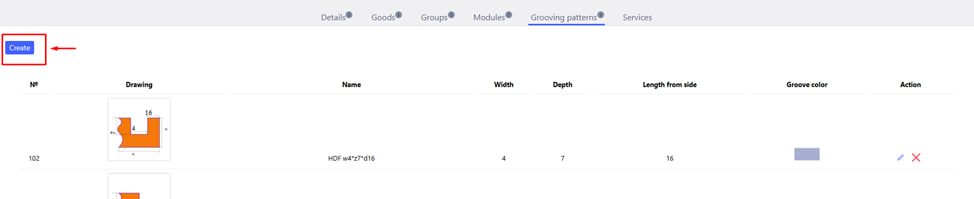
3. Creating your own templates:
If the proposed templates are not suitable, you can create your own — with a full set of parameters.
- To do this, click on the appropriate Create button in the left corner.
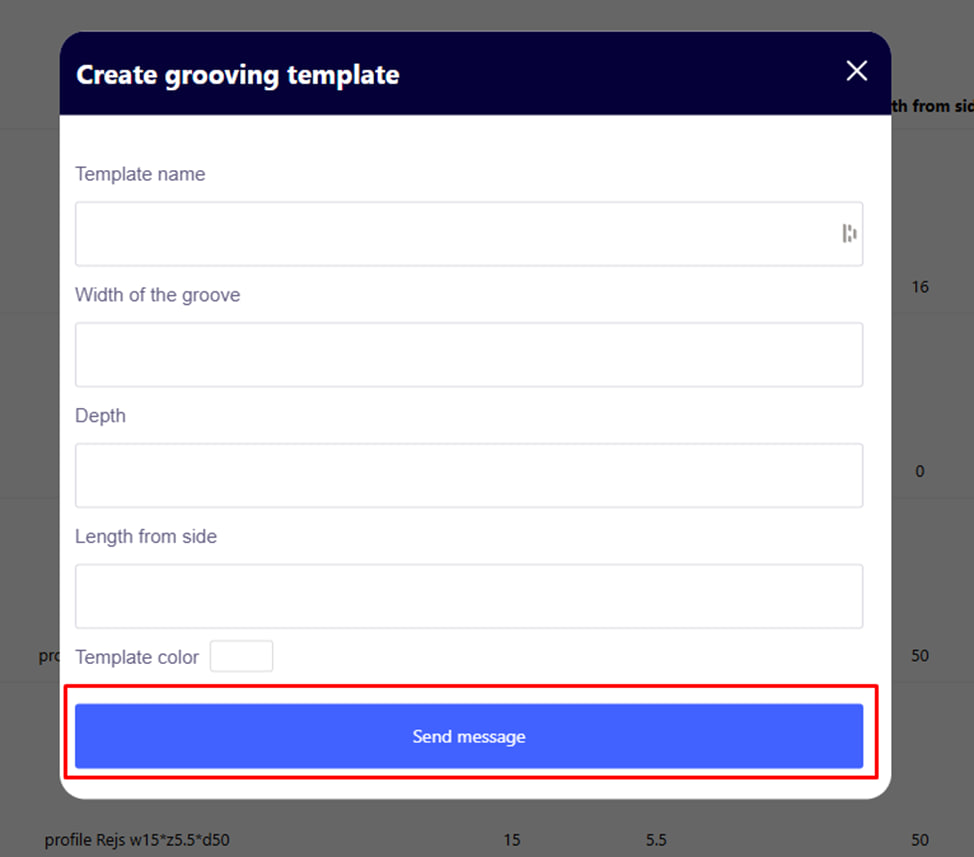
- Enter the required parameters and click the blue send button .
Note : The template will only be valid for the current order .
Application of the template to the details:
- A template can be assigned directly from the template table.
- Or apply in the editor of a specific part, where its geometry is visible.
Result:
After applying the template, the system will automatically add a milling operation ( grooving ) to the corresponding parts. These data are then taken into account when calculating the cost, building the CPC drawings and forming the specification.